  |
|
       |
|
Fitting The Motherboard
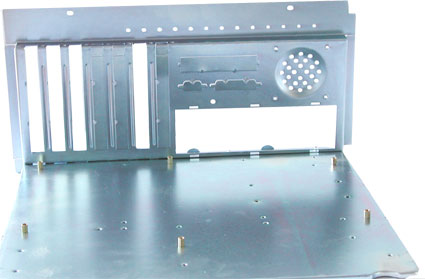
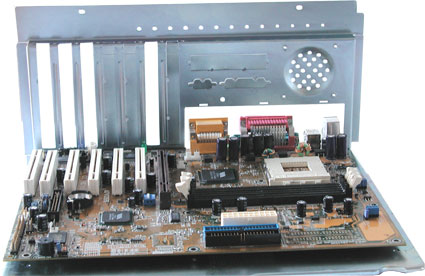
Our case has a slide-out tray, which provides a very elegant way to install the motherboard and all of its components. Cheaper cases will have a mounting plate fixed permanently to the case. If you have this type, you should first lay the case on its side. Next, screw in the spacer mounts for fixing the motherboard. The photo shows six spacers already fitted to the mounting plate. There are usually more holes drilled in the mounting plate than you actually need. There are standard locations for these holes on the mounting plate, which correspond to the holes on the motherboard. How many of these are actually used depends on the board manufacturer. Cases are normally designed to accept any motherboard. Compare the available holes with the ones on your motherboard to determine where to fit the threaded spacers.
|
|