 -Thugie -InKane -Chaotic Kid -Shaggy 2 Dope -Short Stuff -Pain |
 -Starter -Positioning -Move -Screen shake -Overlapping |
 -Arenas -Props -Links -Banners -Contact |
 -PSP -Photoshop 4 -Gif Movie Gear -SFPWXP |
SFPWXP Rope overlapping tutorial:
This tutorial was written by Short Stuff and can't be used by anyone else unless they credit me.
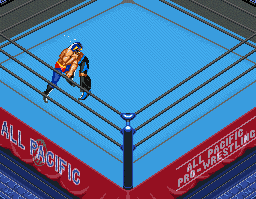
1: Paste your sprites into the document where there are ropes.
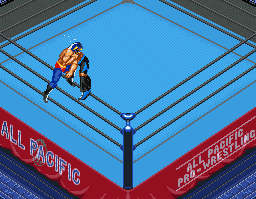
2: Make the sprites invsiable and zoom in and select the polygon marquee.
3: Because the ropes are in a pattern only slect a small bit of the ropes.

4: Select the magic wand tool  .
.
5: Make sure it has these settings.
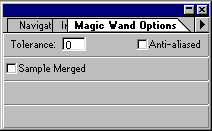
6: Hold "Alt" down and click on the spaces around the ropes.

7: Click copy and paste.
8: Drag the ropes layer on top of the sprites so they look behind the rope.