
This web page was designed to aid in the creation of an angelfire account. The authors of this page in no way endorse angelfire.com above and beyond any other free web page sites. It is the hoped that this will aid the students in creating an account and having the ability to upload the necessary files to create a web page.
Link Index
How to Sign up For AngelfireIn your browser window enter "www.angelfire.com".
Your screen should look like the following:

At this point select the "Sign Up" Button. You will only need to do this once in order to create your account. After completing the registration you should not have to use this area again.
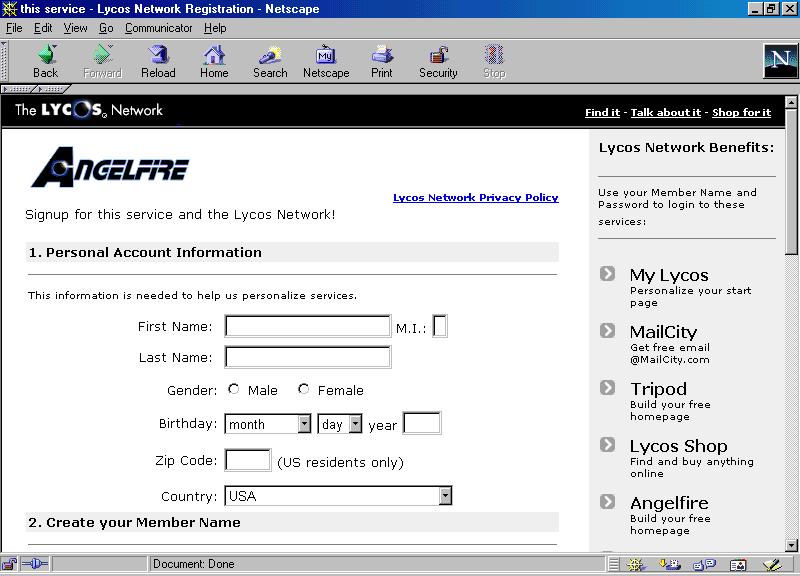
Fill in all the blanks. After completing this section you may or may not be prompted that the name you are trying to use has already been selected. If this happens, press the BACK button and change the user name or the 2 to 3 character prefix (fl3, ia, etc.). You will find the 2 to 3 character prefix in the dropdown box on noted by the title "Choose a URL".
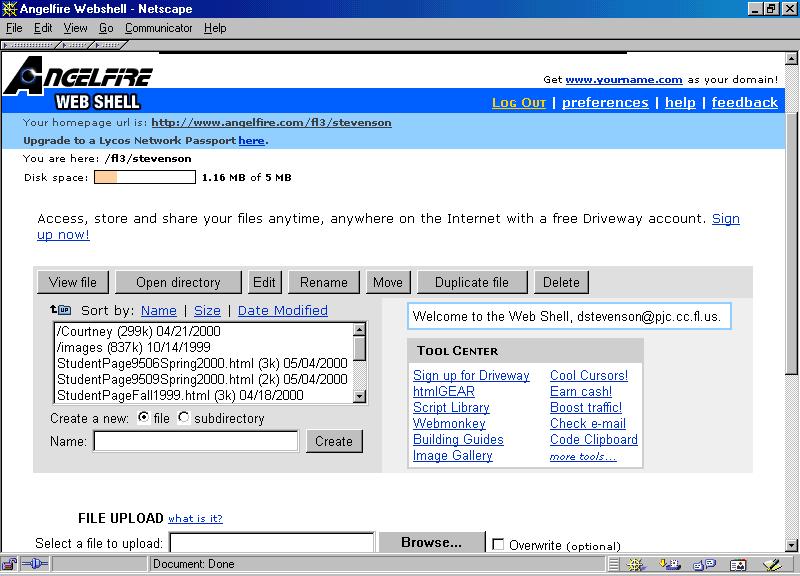
At this point you have an web account. You will need to write down the address of your page.
This can be found under "your homepage url is:".
Top of Page
Back to Link Index
