
Snowglobe Tutorials
There are 3 ways to make a snowglobe..
1) The first way we cut the Graphic out (like we did with the Selection Tool in the Locket Tutorial) or we use Tubes adding them to a background of our choice then applying the Gray Bubble tube over the top and animating.
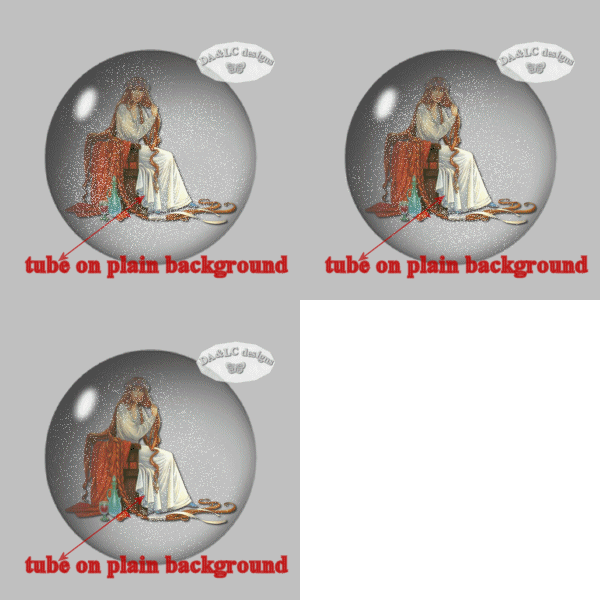
2)Another way is to fit the Gray Bubble into a certain size area like we did with the Locket using the Deformation Tool then adding our animation.
Making a Snowglobe from the Locket Tutorial
3) The 3rd way is a little more complicated to learn but is much easier when done. We use this way when we want to take a section of a picture to use inside our Snowglobe..or when we want the inside of the Snowglobe to have a different color than the Background. We use it because we want our Gray Bubble to be exactly the same size as the image inside without going through the stress of Selecting the exact size with the Selection tool.
Dolphin Snowglobe
All Tutorials and Graphics on this site ©byDiana/Laura 2000 do not use without permission.
