PS2 Reading Disk Problem and Laser Replacement Guide
Just to let you know these are pictures from my PS2 which a took apart and reassembled to take these pictures these pictures are property of Mark Wynn please don't use them on any other web-site without my permission.
This problem is often caused by a worn or dirty laser. Or a dirty or badly scratched game cd look at the cd and if its not badly scratched try cleaning the cd if that doesn't work read below. The first thing you should try is clean the lens on your laser
click here to go to the guide to dissassemble your PS2 this guide has pictures and is very easy to follow.
Once the ps2 cover has been taken off you will notice a black box with a white spindle in the middle (pictured below)
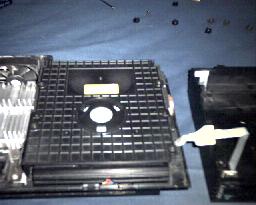
Now on this cover you will see 4 small screws loosen them and take the cover off you will notice the laser almost immediately it has the name SONY stamped on it pictured below
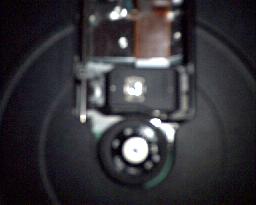
Now try cleaning the lens by putting some alcohol on a cotton swab and wiping the glass parts of the lens gently. Reassemble and try it out with a game if it still doesn't work looks like you will have to replace your laser keep reading and scroll down this page to find out how to replace your laser. Click here to go to the PS2 parts link page this has links to all the sites i've found on the internet for PS2 lasers and repair parts. You will notice that there are two links one for Ps2's version 1-4 and for ps2 versions 5 and 6. I will explain this every PS2 has a version a version is a revision in the playstation 2's design the revision is not external you can only see it when in the PS2 Sony upgrades the chips rearranges some parts etc. With that said sony also revised the laser design for the version 5 an 6 models. So they use a special laser designed differently for the versions 5 and 6. So if you have a PS2 version 1-4 you will click on that link if you have a ps2 5 or 6 click on the other link. Don't know which version you have well here is how to tell click here and I will tell you how to identify what version of PS2 you have.
Replacing Your Laser
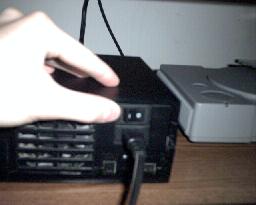
First remove the cover of your PS2 and remove the cover on the DVD Unit if you don't know how to do this scroll to the top of the guide and read how to do so. With the dvd unit cover off plug in the PS2 be very carefull not to touch anywhere near where the power cord is plugged in. Flip on the switch in the back (pictured below)
Now you will notice at the front of the PS2 the reset button light is red (pictured below)
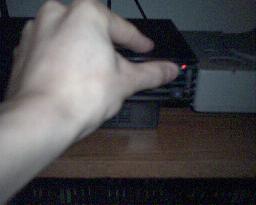
Now push the reset switch once on release it the light will turn green (pictured below)
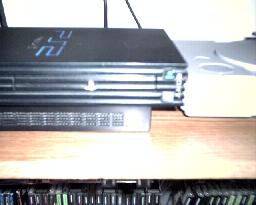
You will also notice that a blue light has come on that is the tray eject light push it and the tray will come out (pictured below)
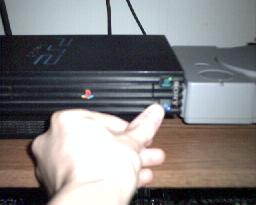
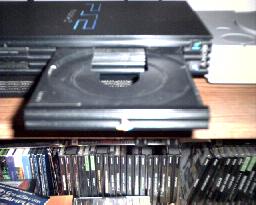
Now turn the power off with the tray open by fliping the the switch in the back.
Now you will see the laser is mounted to 2 metal brackets secured by two black screws highlighted by yellow circles and the brackets highlighted by yellow lines (pictured below)
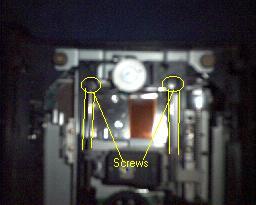
Now lossen the two screws you can now lift the metal brackets lift them and the laser will come up remove the brackets from the laser and don't dissconnect the ribbon cable yet rest the laser as pictured below
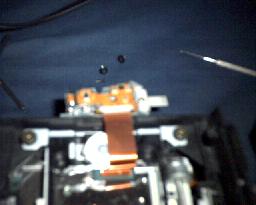
Now grasp the laser and the ribbon like shown in the picture below

Now rock the cable back and fourth until the cable comes out of the laser. Now if your new laser has the laser arm the white piece of plastic pictured with a yellow circle below
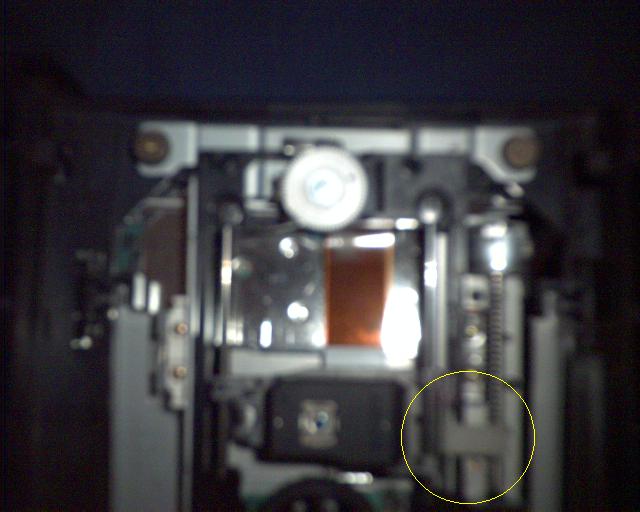
If your new laser doesn't have one odds are it won't when you have the old laser if your hand loosen the screw that secures the arm and replace it on the new laser.
The following picture shows it more clearly the green circle it the plastic laser arm and the yellow circle is the screw you have to remove to remove the laser arm.
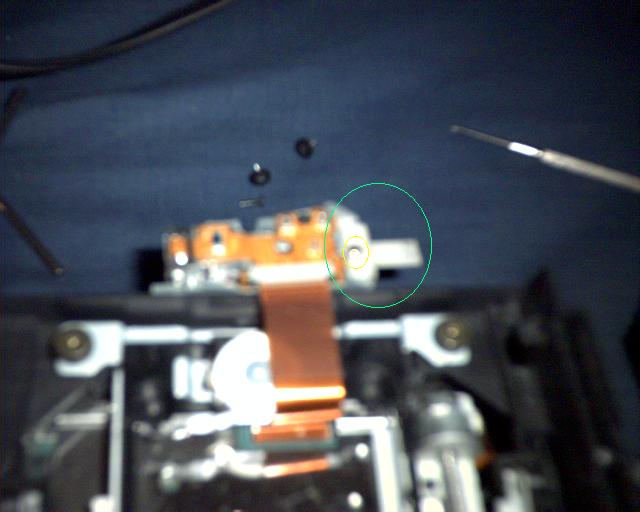
Just do these steps in reverse to install your new laser.
Also when installing the ribbon cable on the new laser make sure that the shiny side of the ribbon cable makes contact with the metal contacts in the laser plug in. To avoid plugging it in backwards make sure that there are no twists in the cable and you can't plug it in backwards.
Back to Main Page

