|
The Sims Imagination. 2002
There are small pictures that you can click to bring up the full size pictures. Use these pictures when you don't know what to do.
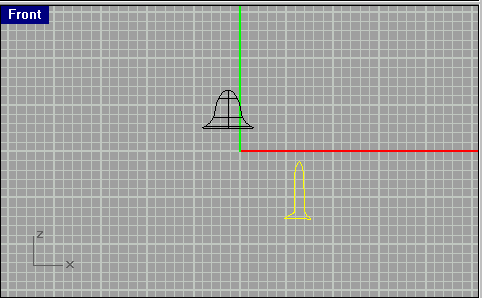
Now go back to the "Front" view and, using the "Control Points Curve",
make a shape similar to the one in the picture. (Hold down the shift key
when making lines to make the lines straight).
Now go to Surface > Revovle and do the same thing you did
with the first shape and choose the same settings. Your shape
should now look something like the shape in the picture on the
right (in the "Perspective" view).
Now using all four views, align the two shapes you've made to make it
look like a lamp. If you want to see a picture of what I mean, look at the
one on the left.