|
The Sims Imagination. 2002
There are small pictures that you can click to bring up the full size pictures. Use these pictures when you don't know what to do.
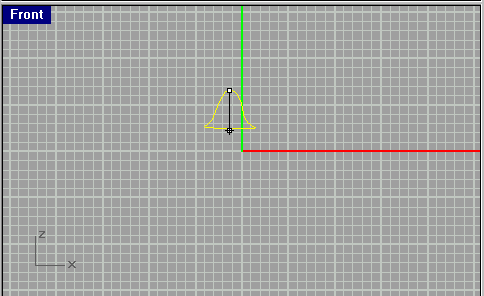
After you make your shape, click on it (should turn yellow to show that
you've clicked on it) and then, from the top menu, choose
Surface > Revolve. Then click on the center top of your shape and,
keeping the clicker down, hold the shift key and bring the line down to
the center bottom of the image. (Holding the shift key keeps the line straight).
A new window should appear. In that window, choose the options in the
picture on the left.
After doing that, your little shape should turn into a nice shape. Look at
the perspective view. Your shape should look something like the shape in
the picture on the left.