
Assuming that you've used Paint Shop Pro before then you will already have knowledge on how to animate.
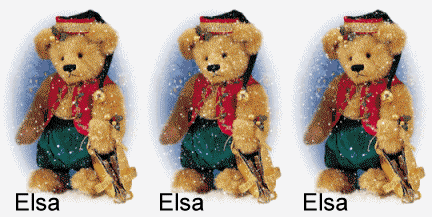
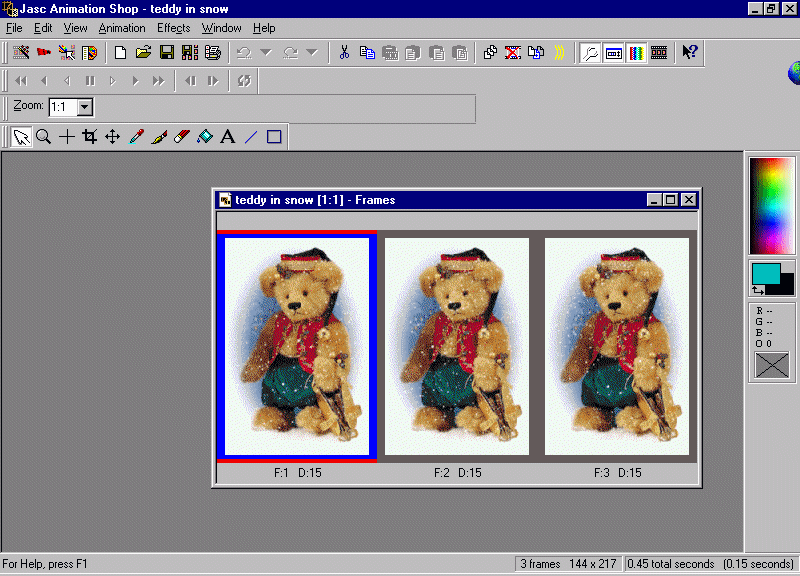
Open your animated image in Animation Shop.
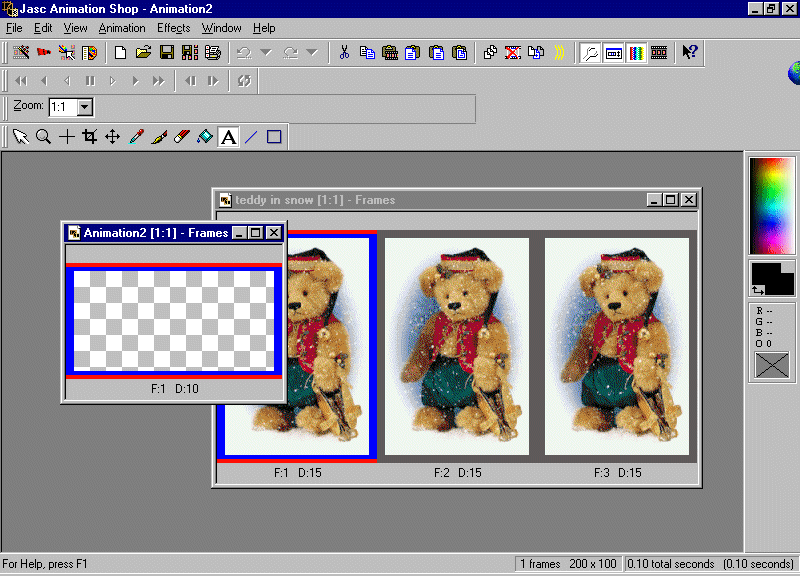
Open up a new 200 x 100 translucent box.
Make sure that the font color is set to black. Click on the "A" text icon located on the tool palette. This should be located on your workspace. Type in the text in the white empty space just below the wording "Enter text here". Choose your font style and size. I used the "Arial" name, "regular" style, size "18" font.
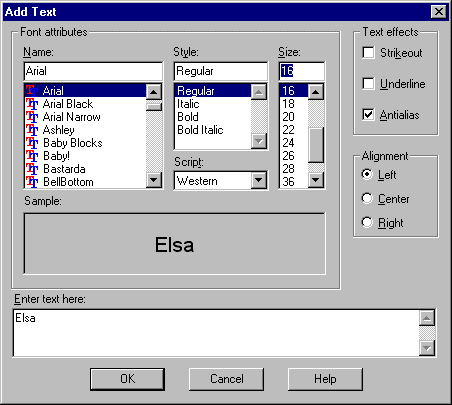
Make sure that your settings look just like the dialog box above. Click on the "OK" button when complete.
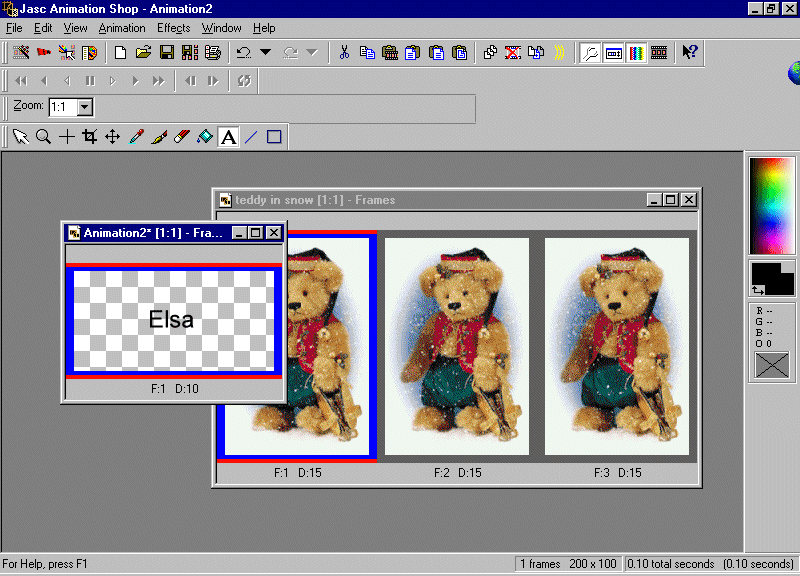
Now you are going to crop this text to a smaller size so click on the "crop" icon button located on the same toolbar as the "A" tex icon. Starting just above the top left of the first letter, hold down the mouse and drag it towards the right just past the last letter. While still holding the mouse down drag it to just below the text name. Let go of the mouse and now go up the style bar located at the top. It should have 3 icon buttons located on it - options, clear and crop. If you do not see it there then right click anywhere on the top right side and you will find a dialog box visible. Click on the "Style Bar" and the toolbar with these three names should now be visible just above the "crop" icon tool button that you just finished using. You are now going to click on the "crop" button which will crop the image down to size.
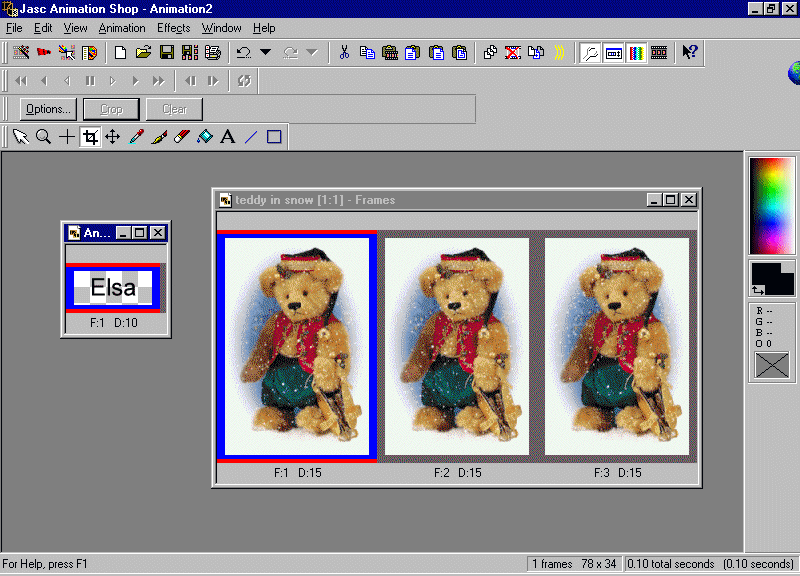
Now you are ready to add additional text name frames to this one nameframe. With this name text frame highlighted (the blue line across the name on the top of the frame will make you aware which is active)go to "Edit" on the top menubar. Click on this to bring down the drop down menu and click on "Duplicate Selected" and you will now have 2 frames.
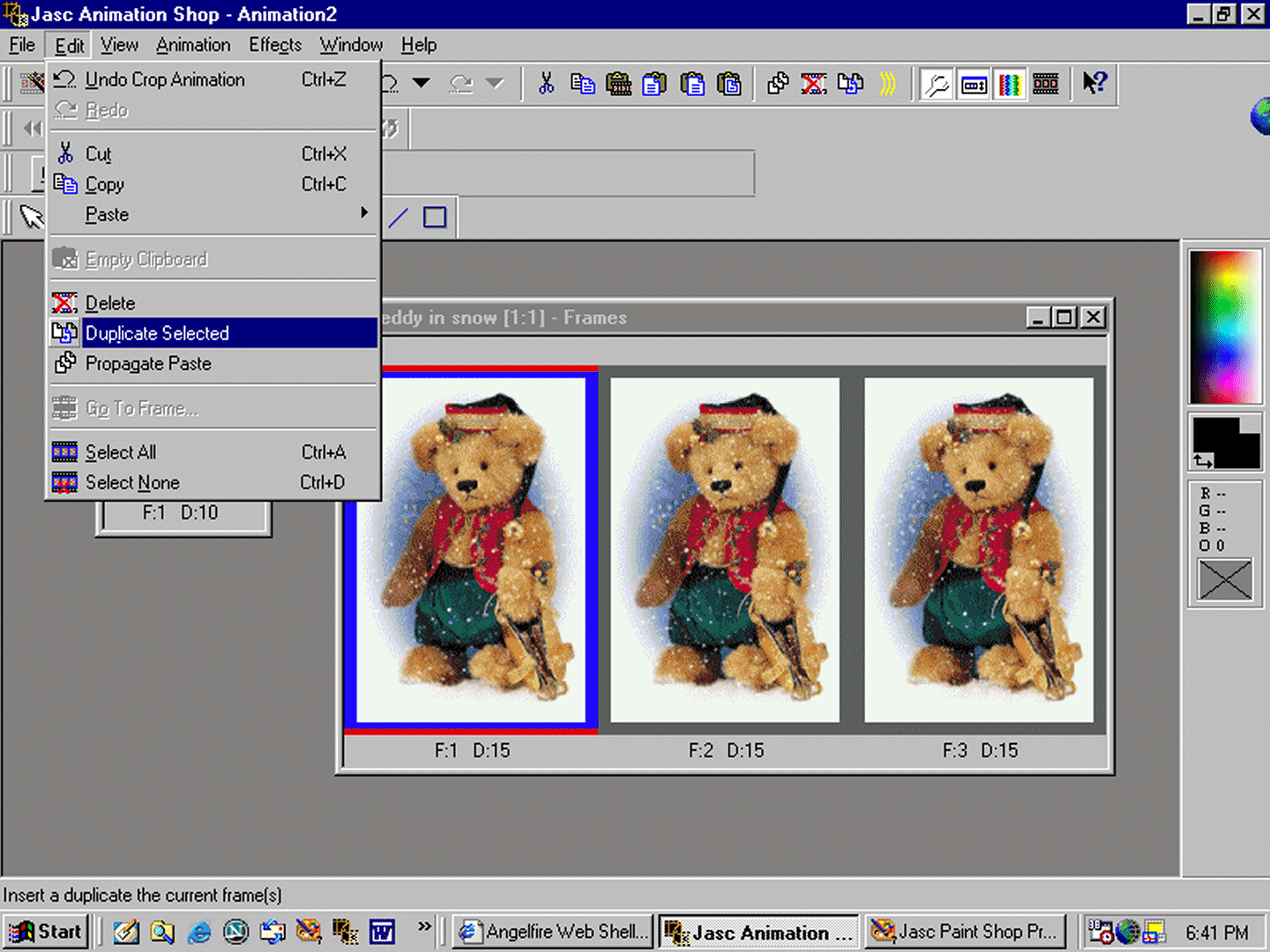
Do this one more time to add an additional frame making it a total of 3 frames. You are now ready to add the text to the animation.

