
Angelfire Uploading Part 1: Applying for a FREE website address at Angelfire
* Part 1 only has to be done ONCE. Thereafter, whenever you need to upload changes made to your project web, just go straight to Part 3.
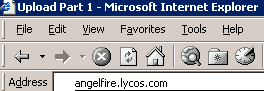

1. Enter angelfire.lycos.com into the Internet Explorer. 2. Click SIGN UP

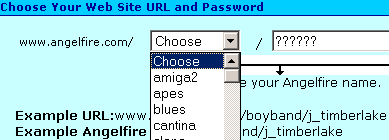
3. Click Continue 4. Click the 2nd part of your website address,
but type in the 3rd part.

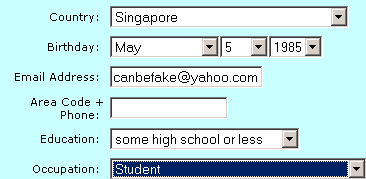
5. Fill in the form. Details do NOT need to be real. Some rectangles can be left blank.
However, avoid choosing 90s as the year of birth. Otherwise, you will be asked for parental consent.
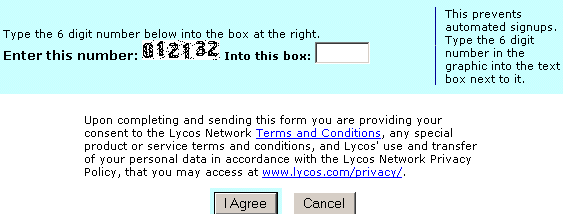
6. Type in the 6 digit number and click I Agree.

7. Click Activate your account and start building !

8. Click my account
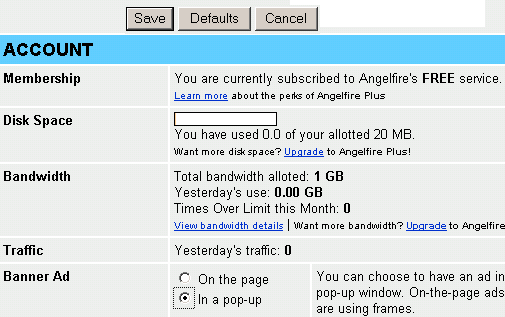
9. Click In a pop-up and Save
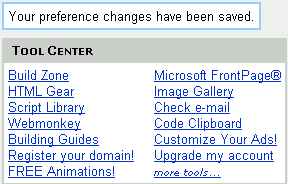
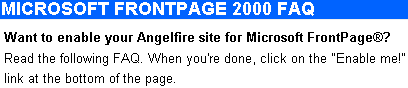
10. Click Microsoft FrontPage® 11. Scroll to the bottom of the page.
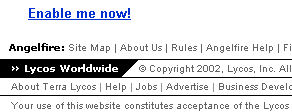
12. Click Enable me now ! 13. Click Enable Me !

14. Click LOG OUT and close the Internet Explorer


