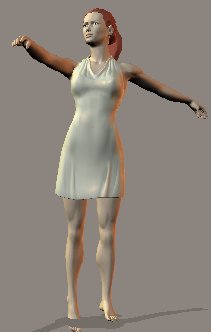
Paint the dress white using the color bucket.
Now minimize your poser screen and open Paint Shop Pro or your favorite paint program. (I will be using PSP6 for this tutorial).
Open a new image with the following settings:
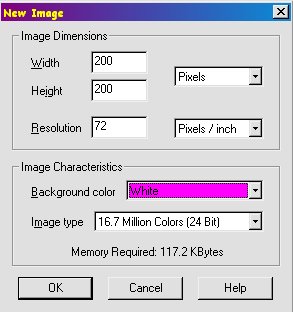
At this point, you can decorate your image any way you like. This will be your dress texture. Examples would be: flood filling it with a gradient, using any filters that you have, using tubes, spray painting, using a picture that you already have made, etc. The possibilities are endless. For this tutorial, I am going to simply use a flood fill gradient.
Click on your flood fill tool.
Your tool options should look like the following:

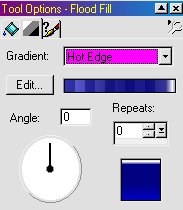
You can use whatever you like.
Now click on your new image. It should now look like this:

Save this as "DressTex1.bmp" (make sure you remember where you save it).
Close your paint program.
Page 5

