
Zipped File Download
On this lesson you will learn how to install a link that will allow you to download a Zipped File.
What is a Zipped File?
A Zipped File is a lot of Information or Graphic's Squeezed together or Compressed so that it can travel and be Downloaded much faster then it could otherwise. Example.. An 8 X 10 picture sent through the Internet to my Email and I start downloading it, it can take up to 15 minutes, but if you take the same picture and compress it or Zip it, I can download it in about 2 minutes.
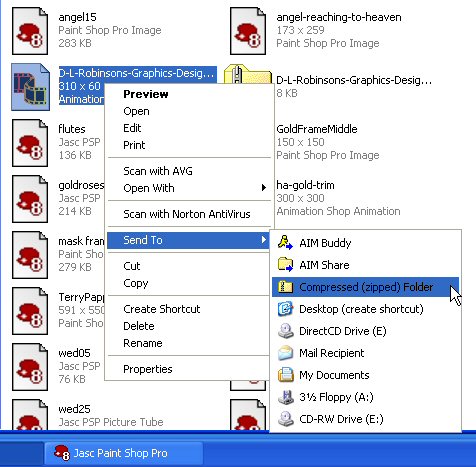
The first thing we need to do is to zip the Files or Images. With Windows XP it is very simple. If you do not have Windows XP you will have to go on line and download a free Zip file program like WinZip, or PVKZip.
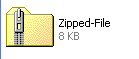
Everything you Zipped will look like this. Yes you can rename this file.
Now lets get going on loading your Zipped file and setting up the downloading link.
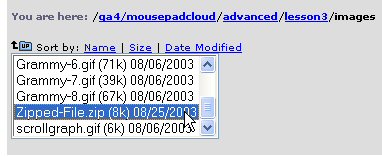
If you will look below you can see that I have placed my Zipped File into my images file, but this is not necessary. You can actually place your Zipped file in the exact same place as you would your HTML documents or pages. Just remember where you placed it because you will need this information for making the link complete.
Now for the HTML Coding. Are you ready for this???
<A HREF="https://www.angelfire.com/ga4/mousepadcloud/advanced/lesson3/images/Zipped-File.zip">Zipped File</A>
Below is a Zipped File ready for Downloading.
Zipped File
If you are finished with the Zipped File Download,
click on the Back link below to go back to the main page of lesson 3.
