Making your mark in Photoshop
|
|
|
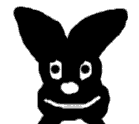
This is a bunny(at least it looks like one to
me) that I drew in photoshop. I defined it as a brush called bunny.
|
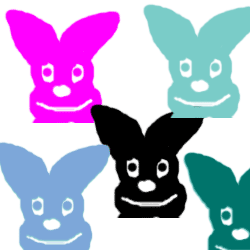
This is where I used the bunny brush and I put
the bunny in different places. |
|
|
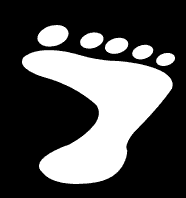
| In Adobe 6 this is a custom shape
tool. It has annoyed me severely because I always want to make foot
prints..I could buy 7 so I could have both custom shapes...but..
I would rather take the custom shape and define it as a brush. |
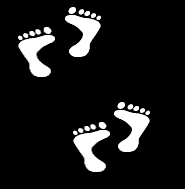
After I did that I transformed the shape so
that it could be a left foot print. So now i can make footprints
with ease. |
|
|
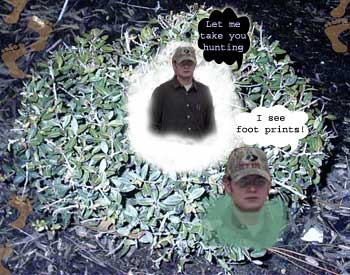
For this picture I layered Brad
onto the bush. I used the wet edges tool on the paint brush to creat
the clouds. I used the cutsom shape tool to make the text bubbles.
|
|
|
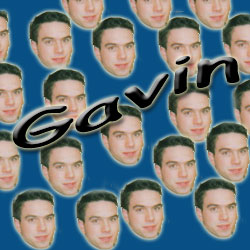
Here I took Gavin's face and cloned
it all over the picture. Then I used a text layer to write his name
across the image.
|