To create reports
based on the PharmaBains solution database you must first have an Oracle Report
Builder. These reports have been
designed for printing and are best displayed in paper format, but could be run
in web format as well.
To run a report,
you must first open the Oracle Report Builder. Select one of the following
three files from which you would like to create a report.
PatientBillingHistory.jsp
PatientDrugHistoryreport.jsp
PatientOutcome.jsp
The Patient
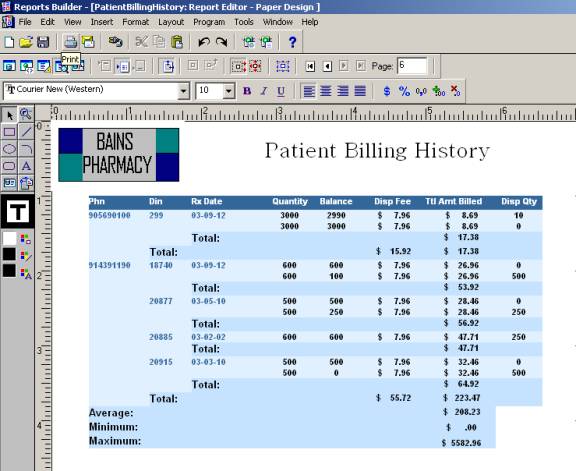
Billing History file contains all patients as well as the billing totals for
each drug. There is a total for the
amount billed per drug per patient, the total the patient was billed for all
drugs, as well as a grand total of a patient-billing amount stated at the end
of the report.
To run the report
you must choose the run paper report from the menu bar.
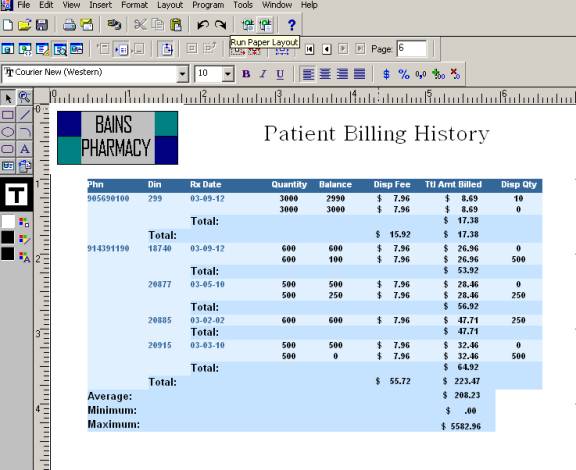
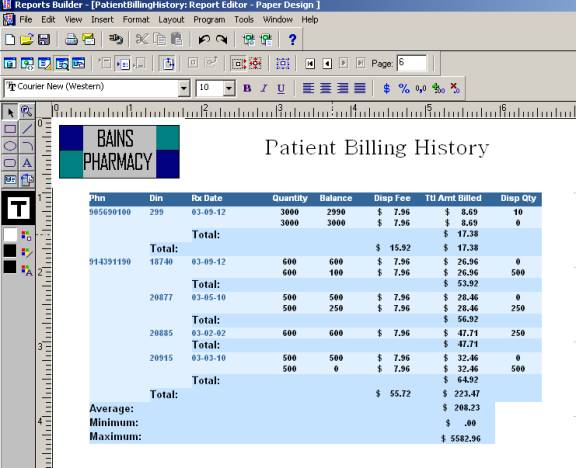
The image below
demonstrates the last page of the report in the Report Builder to illustrate
the total and grand total formats.
To print the
report left click on the printer image on the top left hand corner of the
screen.
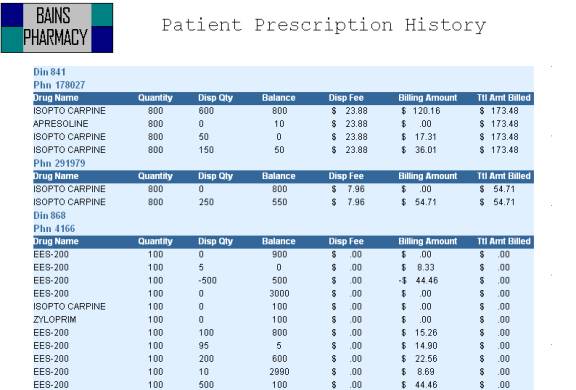
The patient drug history report shows the
patient prescription history. It is ordered based on drug and Phn.
Below is a sample
of the Patient Prescription History report.
The third report
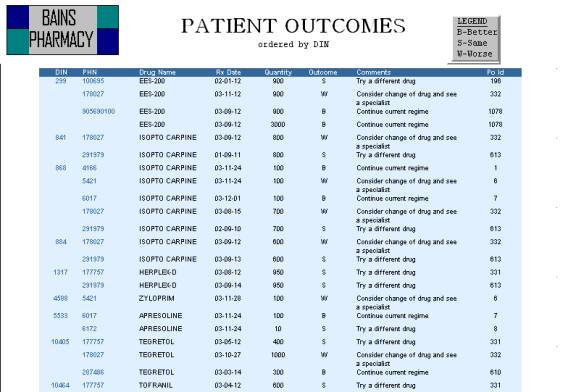
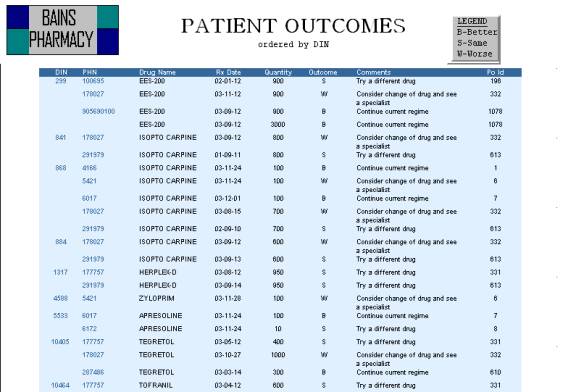
option is the Patient Outcome Report. This
report displays the patient outcomes from particular drug treatments. Pharmacy clinicians studying patient
outcomes from their drug prescription will use this report. It is ordered by
Din.