/Yahoo! Skins/Multimedia
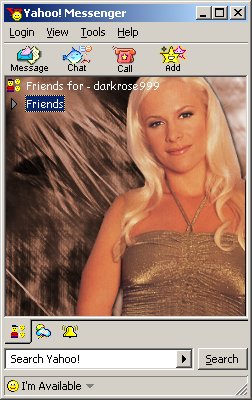
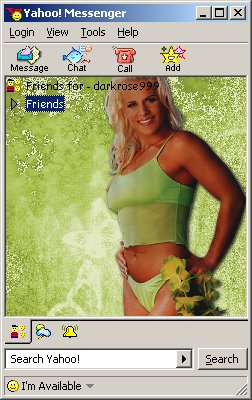
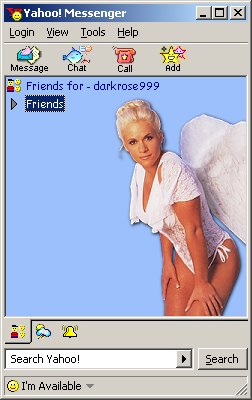
Dress up your Yahoo! Messenger with Molly. Click on the skin you want and you'll download the necessary zip file.
/Directions:
1. Go to your C:/Program Files/Yahoo!/Messenger/Skins directory and make a new folder.
2. Unzip the files into your new folder.
3. Once unzipped, you will have to adjust Yahoo! Messenger to display them. To change a theme, go to Login>Preferences>Appearance and in the drop down menu, there will be a list of your themes installed properly and choose the name of the new folder that you made.