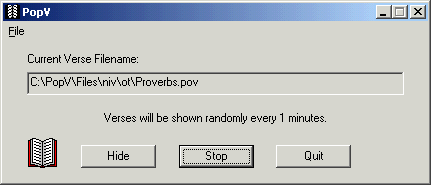
| The main window of
PopV is
very basic. You select a verse file, click start to start the
timer and then hide PopV, it will put an icon in the system tray.
You can have PopV running but not "started" so it will
not display verses until you start it.
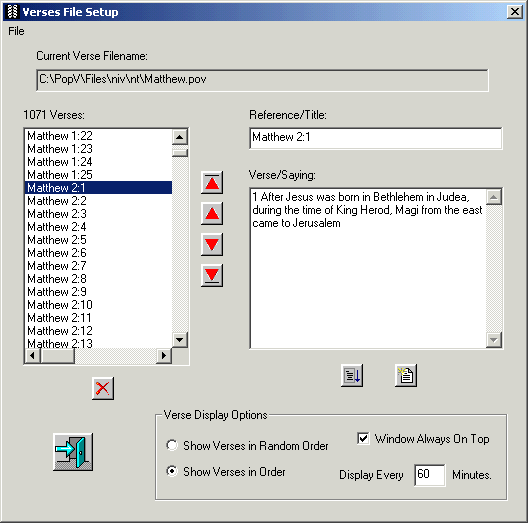
You can include a large number of verses or just a few in your
verse file.
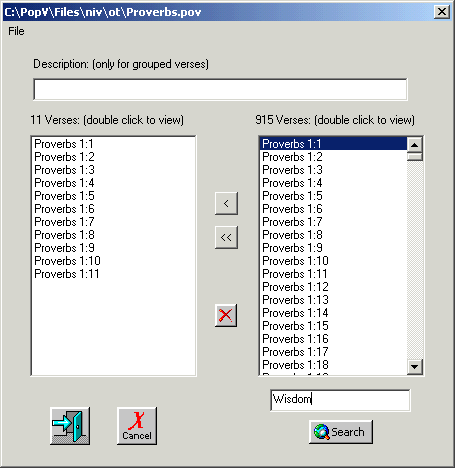
You can add verses individually from a file or group them
together. If you group them together the verses will be displayed
all at once. So, for example, you can display Proverbs 1:1-5
all at once. You can also search a file for key words. So you can
search the entire Old or New Testaments for words or phrases and
add the resulting verses in your file. This works well if you want
to display the verse that include wisdom for example.
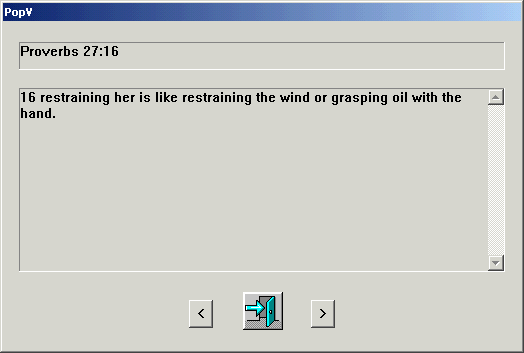
Once the verse is displayed you can move through the file a
verse at a time. This is very helpful if you do not remember the
last verse or you need to clarify something in another verse.
|

