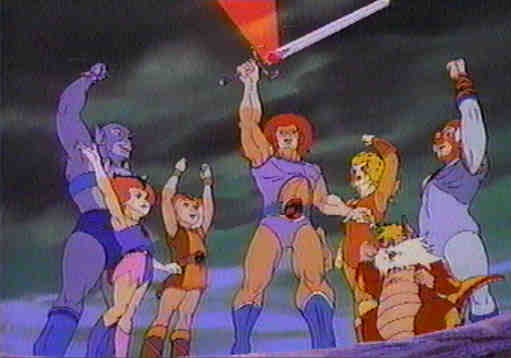
Do you have friends out there? Do you actually
have a life? If you do, send those you know a neat postcard with
a touch of Thundercat. I've taken the liberty of suggesting themes
for the various pictures, but the themes don't actually show up in the
postcard unless you put them there. So be creative, use these postcards
however you want to, and come again soon!
Step 1: Select a picture for your card!
Party
Time!!!
I hear
you've been stressed.
Words of
wisdom...
You don't
look so well.
I bow
to your wishes.
That came
as a surprise!
You and
what army?
Make my
day.
Bad
day?
I'm feeling
good.
What's
your sign?
Breathe
deeply...
I
see you!
Nice
moves.
Thinking
about you.
Your
presence blinds me.
Step 2: If you wish, choose headings,
colors, and closings for your card!
Add HeadingNo
Heading
Add SignatureNo
Signature
Select Colors For: Text
Background
Step 3: Yet another option, add music!
Step 4: Write the actual message!
A tip: you can use HTML tags.
Step 5: Address the postcard
and mail!
YOUR Name
YOUR e-mail
Recipient's Name
Recipient's e-mail
You will be notified when your recipient picks up the card
Preview
First
Send
Without Preview
Pick Up A Postcard
Enter
Ticket Number
A tip: ticket numbers have 15 digits and should have been in the
email you received.