
To import 2-d images into your game, you must first convert them to the TIM format. TIM is Sony's image format. Tim Tool can convert the following file types to the TIM format:
 |
Windows Bitmap (.BMP) |
|
TIFF |
|
PCX |
|
JPEG |
|
PNG |
To import a image into tim tool:
Click file, then click import image files
The following screen will come up: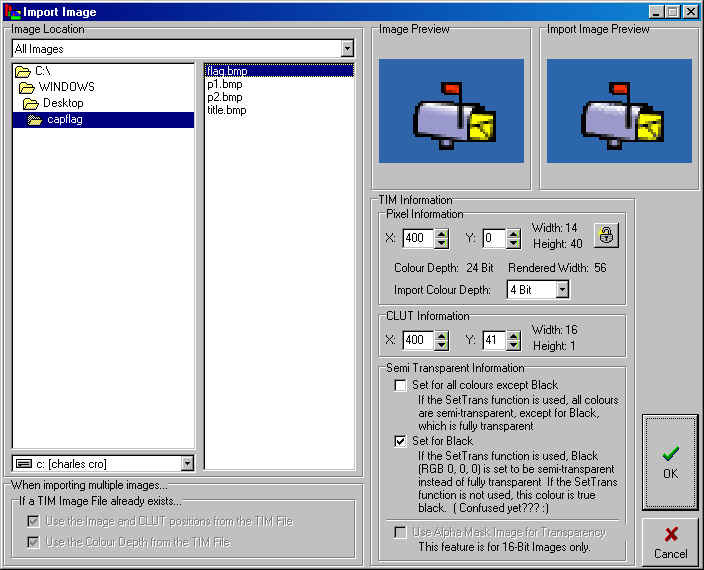
Single click the image file you want to convert.
If you are using 320X240 resolution in your game, your minimum X coordinate for the pixel data and the CLUT should be 320.
on the example, the image is placed at 400,0. The X value is above 320, so that is ok
The CLUT data is only 1 high and 16 wide, so if the image is 40 high, we can put the CLUT data at 41, which will leave 1 space between the picture and the clut
If we needed to import another image, we would start it at 400,42
Press OK when finished
The following screen will come up: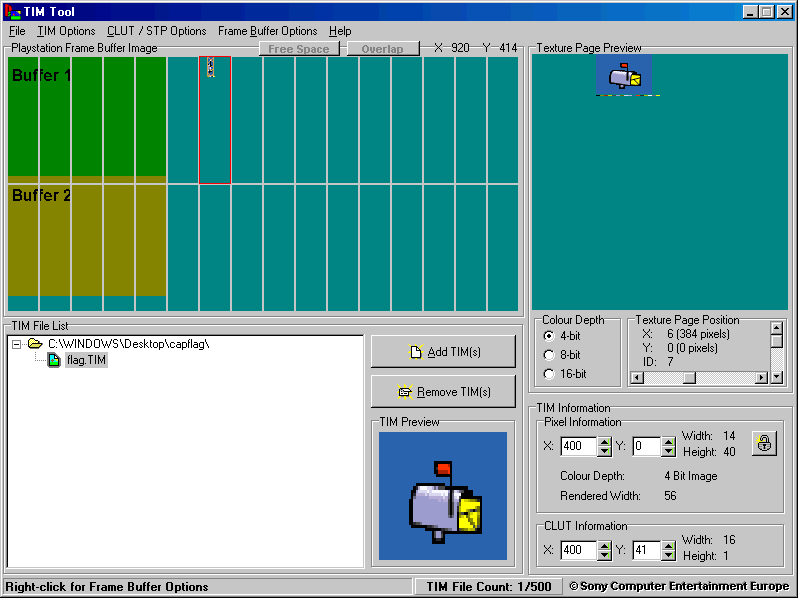
Now we can import another image, we will put it at 400, 42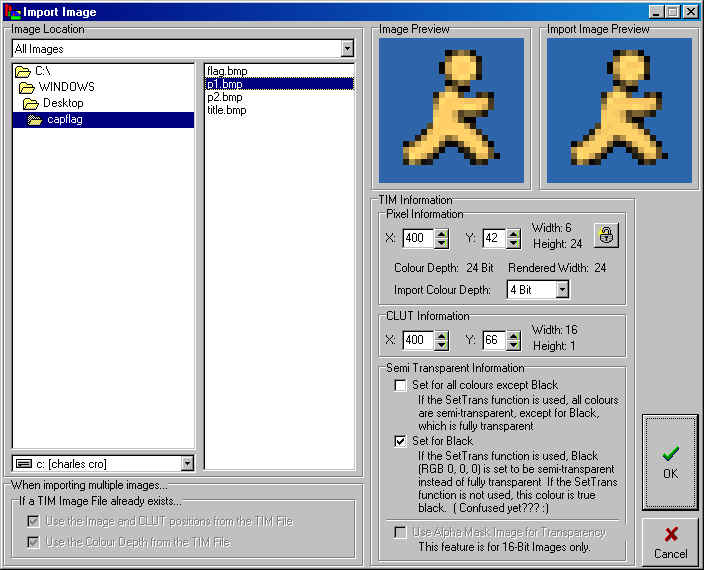
now our frame buffer looks like this: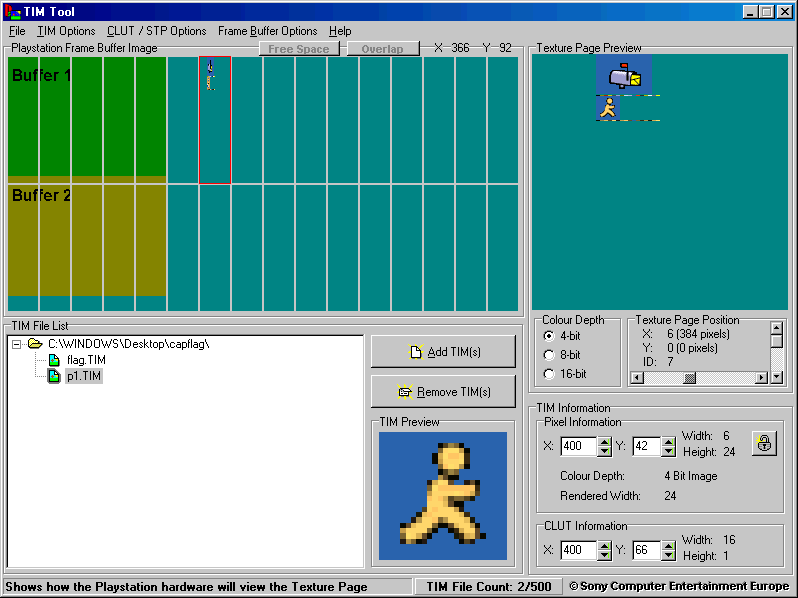
Just continue this process until you have converted all of your images, making sure not to overlap anything in the frame buffer. doing so may cause garbled/distorted graphics.
