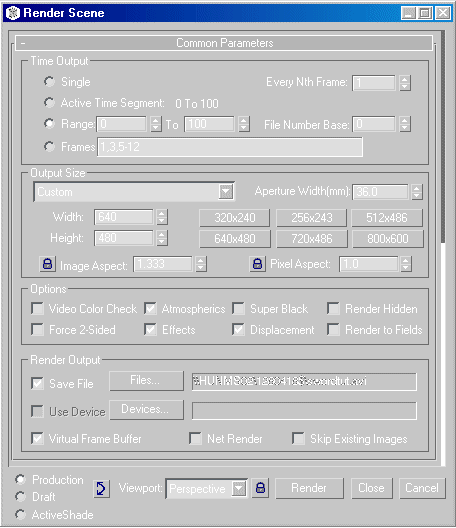
What you will learn in this tutorial:
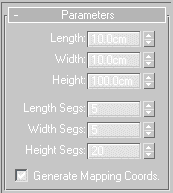
 ) Tool and rotate the box 45 degrees on the Z-Axis. Save again.
 ) Tool and scale the box to 15%.
 ) Button.
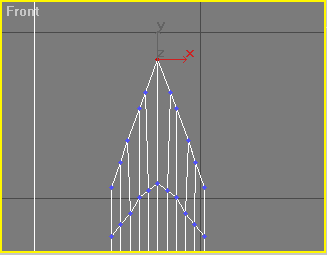
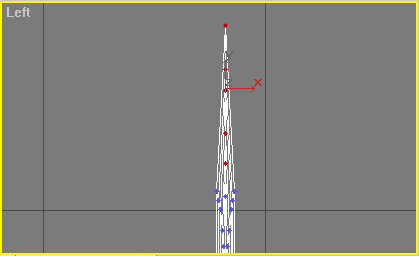
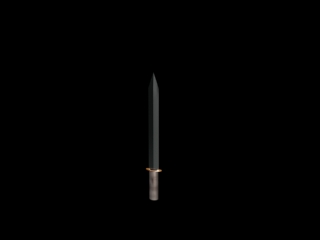
Now save. The blade is now complete!
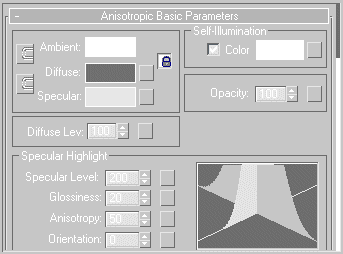
Scroll down to the Maps rollout and check the button next to Refraction. Across from it, press the button labeled None. It will bring you to the map editor. Find the Raytace material in the Browse From: New folder. Select Raytrace and press ok. Now press the button next to Reflection. Apply the material to the blade either by dragging the material onto the blade or by selecting the blade and pressing the Assign Material to Selection.