Off-line Messages In Yahoo
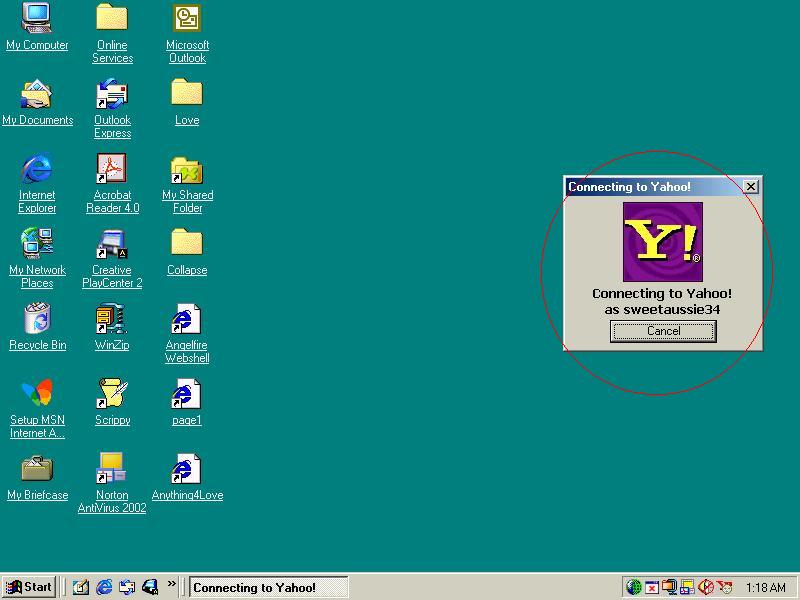
First thing to do is login to yahoo.
See picture below.
 Now yahoo has loaded you will see an off-line message box.
see picture below.
 Left click on the message to read it you will see the message in the bottom
window.
Left click on the message to read it you will see the message in the bottom
window.
See picture below.
 Once you have read the message you can then reply to it.
Left click on reply.
See picture below.
 Once you click on reply another window will appear.
See picture below
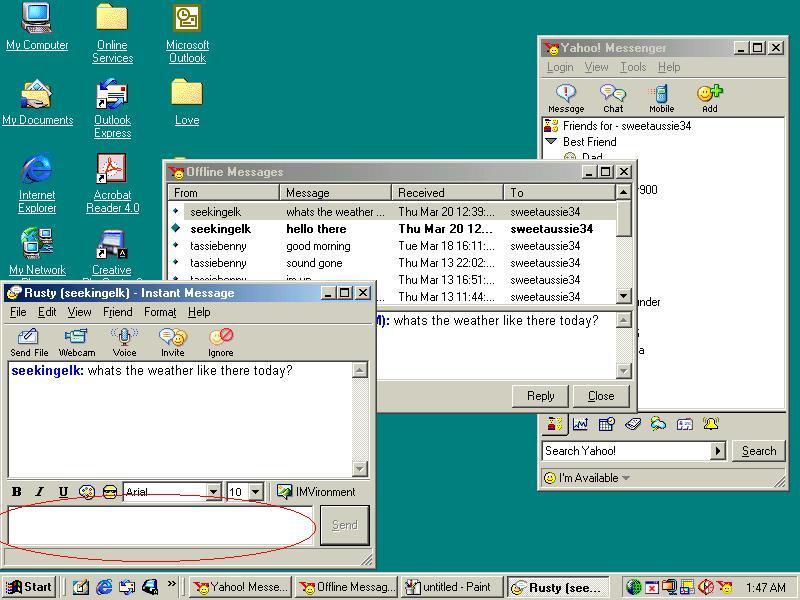 Type you message and press enter on your keyboard.
Ok now you have replied to that person.
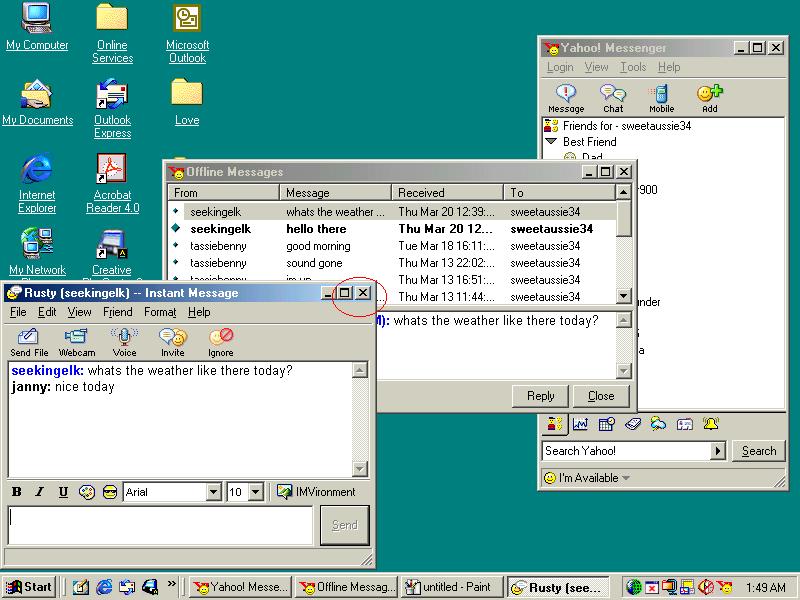
Now you can click that window off by left clicking on the x in the
top right of that box.
See picture below
 Now you go to the next message if there is one and do exactly the same
thing till you have replied
Now you go to the next message if there is one and do exactly the same
thing till you have replied
to all your off-line messages.
When you have finished reading and replying to the messages just left click
on the x at the top right hand corner of the window to close that box.
See picture below.
 Now you are back to normal yahoo.
see picture below.

Now you just go back to how you normally use yahoo....
:)
Return to main page.

