|
Chapter 6: How To Arrange
Pictures
1. For the arrangement of pictures or images, it is up to your liking.
2. Here you are shown how it is done. Once you know it, the rest
is
up to you. You can arrange this way.
For example: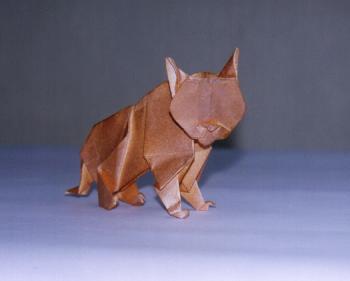 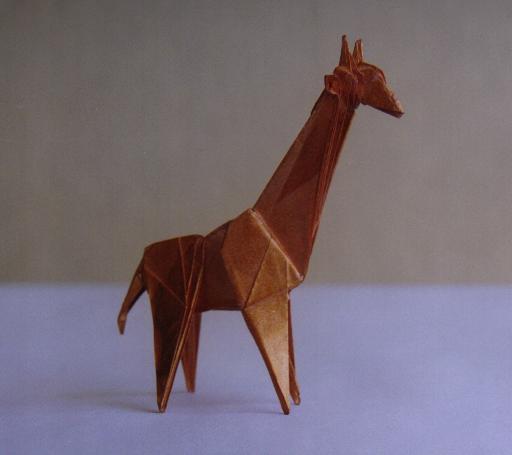
Or this way:
3. How do you do it?
First get the first picture onto your "draft"
web site where you want it to be.If
you want your pictures to
be in a horizontal position, it is done in this way. You will see
the black line blinker by the right side of the first picture.
Now you just tap the space bar of the key board to bring the
blinker away from the first picture. You determine the distance
and then you get the second picture from your "Choose Image
File" window. The second will be placed where the cursor is.
4. For the vertical position, you just press "Enter" and the line
blinker will come down. Then set the blinker where you want.
Now get the second picture from your computer. It will be on
where the blinker(cursor) is.
|

