
Currently, DS is a bare-bones development studio. It has support for maps, tilesets, sprites, images (as dynamic objects), sound (effects and BGM), animation, databases, dialog skins, text messages, and scripting.
You can do some ÜberL337 stuff with the scripts that DS has. I myself am in the middle of a menu system. Everything in DS has to be customized, so you have to actually make things like that. Mine uses several dialog windows with text drawn on top of them. I use an image of an arrow as the selector, and some sound effects.
Here is a sample of my menu code in the code window:
The code itself is pretty easy to figure out. It's a nice, programmer friendly, object oriented language with full support of For loops, Conditional loops (while and until), Select Case structures, variables, boolean varaibles (we promise, these are the same exact things as switches), and lots of other goodies.
The editor is kind of buggy, specifically the code that lets you highlight scripts. Also, if you don't be really gentle with it, it can give you an error and completely shut down DS. You just have to get used to it's quirks for the moment. As beta testing goes farther and DS is debugged, those should go away.
The text parser isn't functional yet, but I can't wait for it. This is the kind of juicy code that us programmers would love to get our keyboards into. Plus, I like to be able to easily format my code.
Here are some bugs and/or tips:
The overall system does lack a few of the comforts of home, like an undo button on the map editor. But things like that will come in time once things are perfected. Despite this fact it is obvious that DS is the best thing that has happened to the RPG Making community yet. I don't know about the rest of you, but this is enough to make me almost want to forget about RM2k3. DS even elminates having to try to pirate anything!
And remember, if you download this, it is NOT meant for heavy duty game making yet. In a future version, there is a slight possibility that the things you make now won't work anymore. There is a disclaimer about this on the RPGDS progress page at the Cryptic Designs website. This demo is mainly for you to learn about the system and help to debug it. When you find a bug, just go to the Bug Reporting Tool and fill out a bug report form. You have to be a member of the forums to use this. Don't worry, it's free and easy to join.
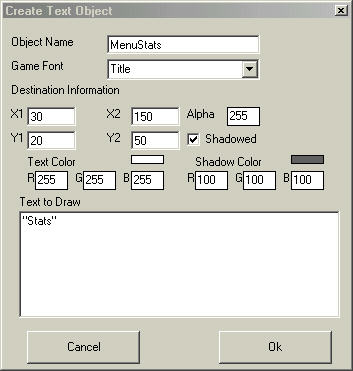 "Drawing" text. This puts a message on the screen. |
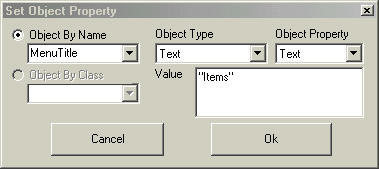 Objects in DS are dynamic. You can change the text in a message while it is still showing. |
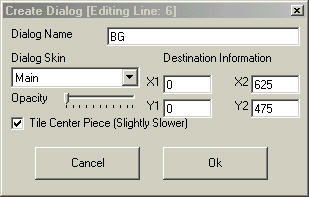 Creating a diaglog. This is what shows up behind text. |
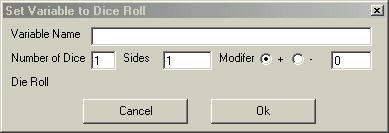 A built-in Dice Roller! |
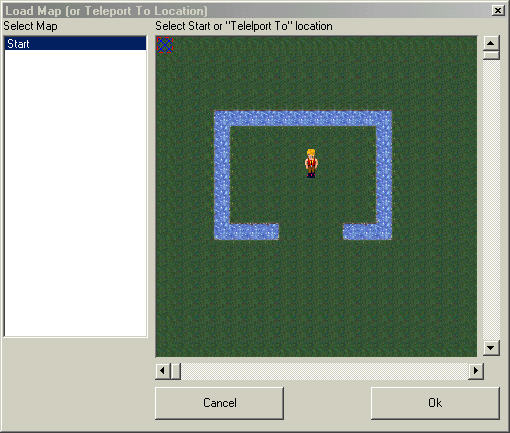 Loading a map. This is the least amount of scripting you can do for your game to work. (edit- This is for a traditional RPG. With other types, you don't even have to use maps. DS is just that flexible. Thanks to Edbgon for pointing this out.) |
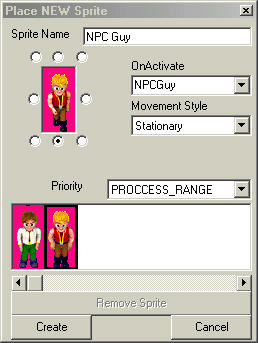 Creating a new sprite. This adds an NPC to the map and gives it functionality. |
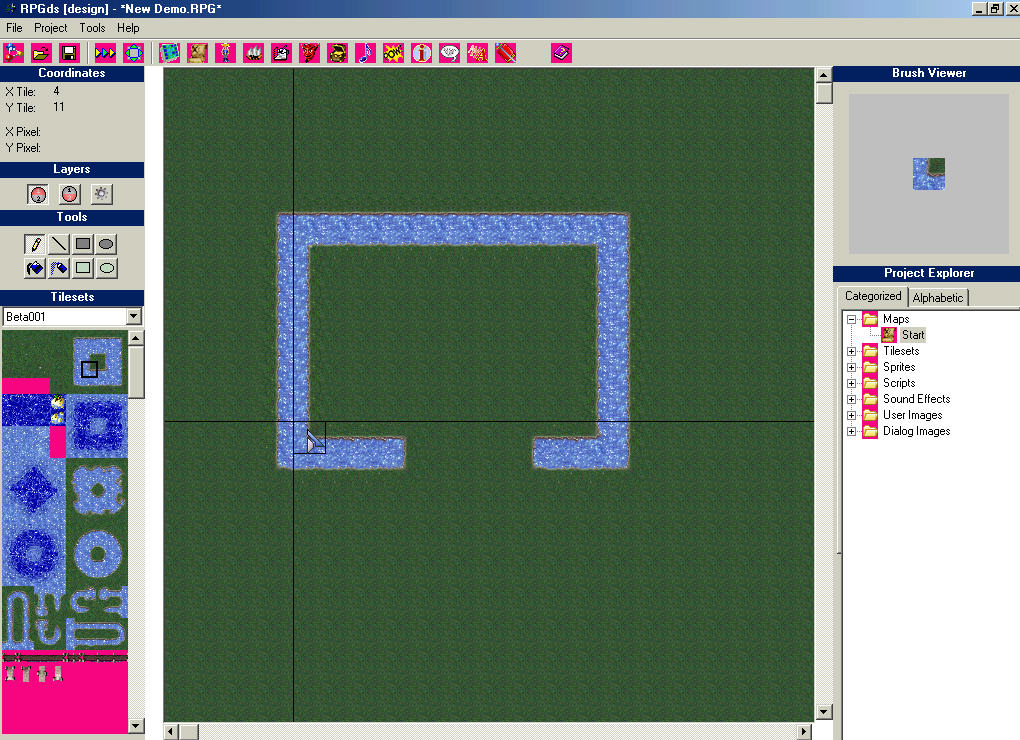 RPGDS. This is an overview of the main window in map-editing mode. |
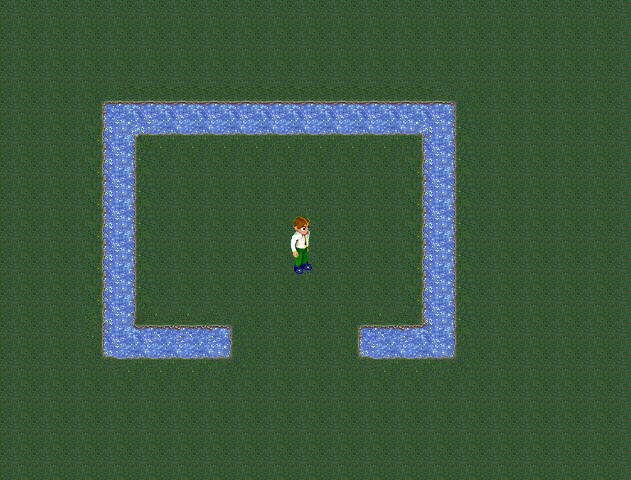 Runtime. Here is the main sprite walking (hero) on a map. |
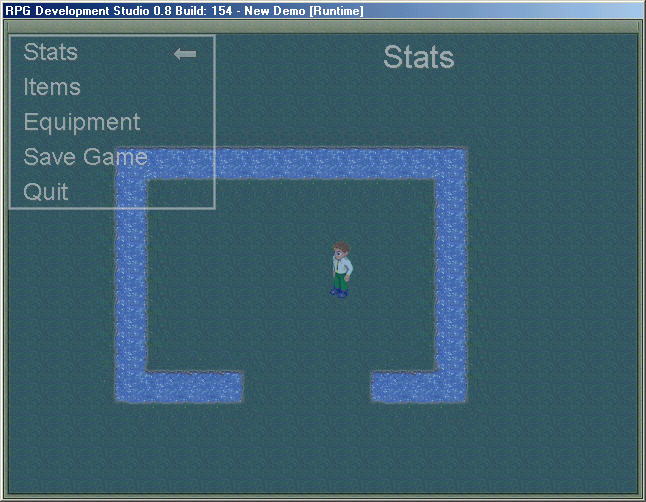 My partially built menu fading in. |
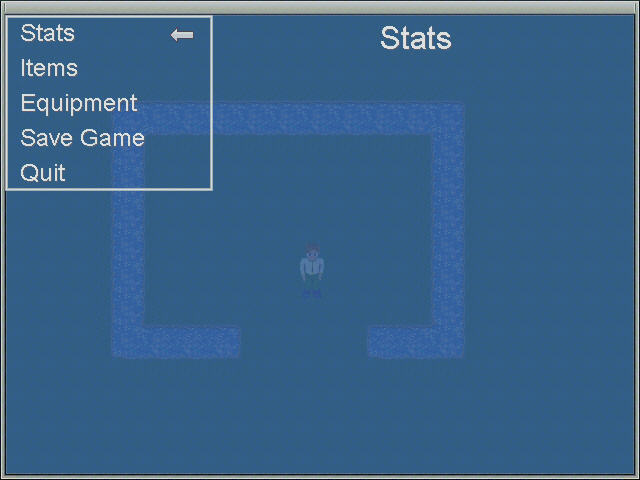 The menu is semitransparent when fully faded in. |
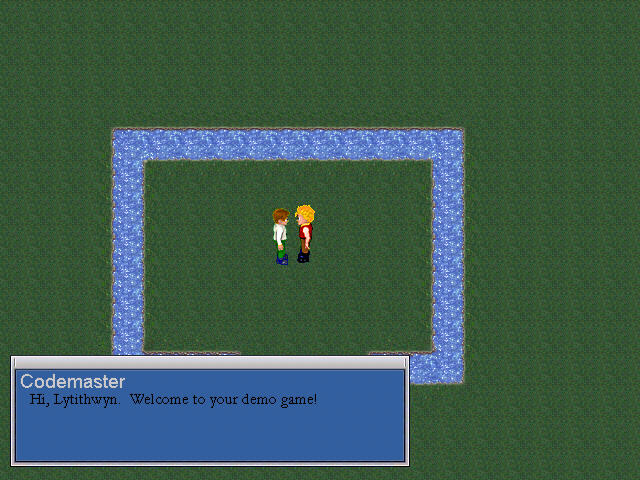 Message example. Here is the main sprite talking to an NPC. |
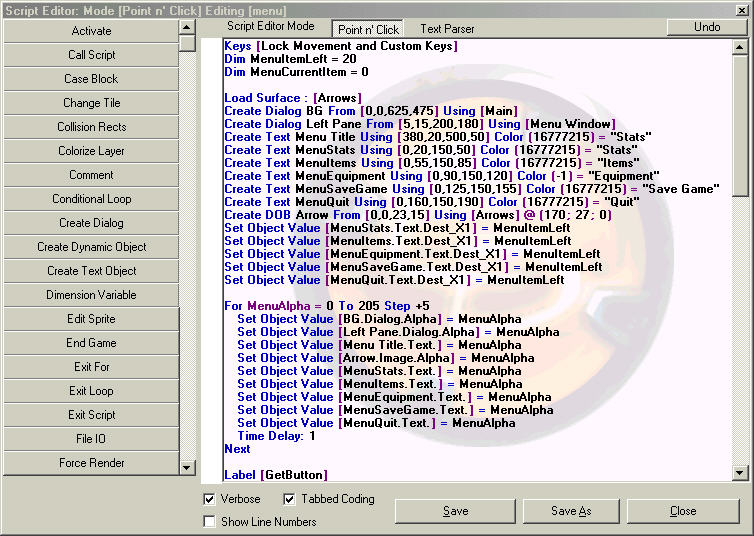 This is the script editor. Gotta love it! |
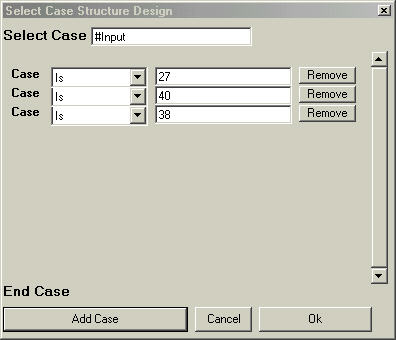 An example of a Select Case Structure in creation. |
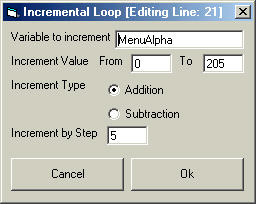 An example of a For loop in creation. |
