1. My Computer --> Dial up Networking " --> Click More - > Select Edit entry and modem properties

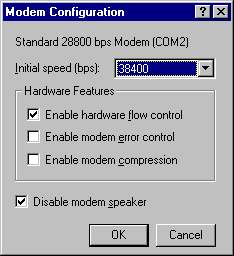
2. Click Configure for reducing the Modem Speed
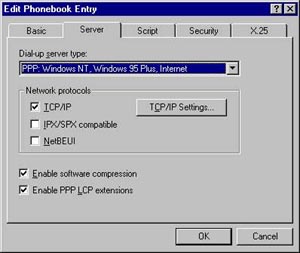
3. Click Server - > select TCP/IP
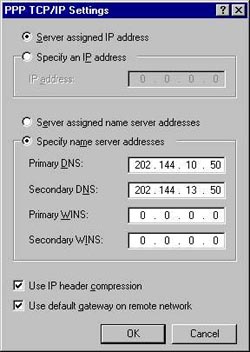
4. Click on " TCP/IP Settings.. " for DNS entries
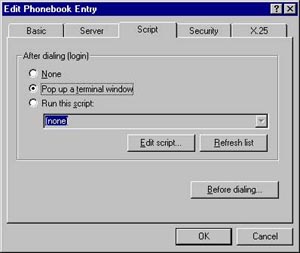
5. For Enabling PDTS click Script - > select "
Pop up a terminal window "