
Pynear 1.0 By theresnothinglft
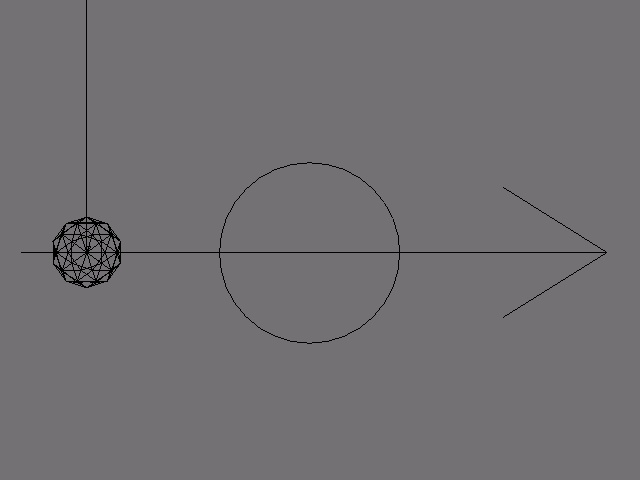
A re-implementation of the near sensor in blender.
The near sensor unfortunately did not come with any python methods. This script set was created to deal with that. I have added some functions that will be useful, especially when the location of multiple objects is needed. They are described in detail in the actual blend file, but here're are some examples.
getObject("name") gets the object with this name. Object must be registered (see tutorial below).
near(<return type>) return type is 0,1,or 2. 0 returns a Boolean value for any registered object near the carrier of the script
Tutorial Using the script set. D/L the script set here.
There are 2 scripts in the blend file. pynear and pynkey

See the logic brick layout in this screenshot? that's the layout you need for every object using the pynear.
Append the scripts to your own file.
For every object that can be detected, include this brick layout with "pynkey" in the python controller's Script field
For every object that detects objects, put "pynear" in the controller's script field.
Now that it's set up, you can add any actuators to it you need. Now for the fun stuff...
Xtra features
I have added a number of extra features to the near sensor. Some of these features don't need the near sensor to return true.
Outline of the features
1) distance()
2) getObject()
2a) getObjects()
2b) getObjectref()
3) getPositions()
3a)getting individual positions
4) activate()
5) near(0,1,2)
1. distance(pos1,pos2)
A 3d distance calculation. Feel free to reverse engineer this one.
2.preface The following deals with a global data storage attribute added to the GameLogic module (called, yep, GlobalData). It is a list to which all objects running the script "pynkey" will submit their object data to. The owners of "pynear" only submit data once, so use the function owner() to access them in realtime. Use these functions to access the data.
2) getObject("name")
Searches the GlobalData attribute of GameLogic for an object with the name "name" and returns it as a game object. Returns the first object that ran "pynear" if the object doesn't exist.
2a) getObjects() returns the list of game objects stored in GlobalData
2b) getObjectref(index) returns the object with the index specified. Blocks against index errors
3) getPositions()
This function gets the positions of all the objects stored in GlobalData. Used in the actual near calculations.
3a: getting individual positions: use (getPositions)[getIndex("name of object")] to get individual positions
4) activate(actuator index)
Activate actuators connected to the script by index number or all. use -1 for all actuators or the actual index of the actuator (starting at 0)
using the near sensor to activate actuators if near(0): activate(-1)
5) near(output type) 0 = boolean, 1 = object, 2 = object list
Invoke the pynear sensor with the selected output. Any number other than those above will default to Boolean output, so watch where you put this statement.
Intended improvements: property filter near sensor detects only x property
