When we last left you, we had dilema: BEING SCREWED OVER WITH BAD PICTURES! In this instalment of Photo Magic, we'll fix you up with the solution to your photo woes!
OK, the first thing I did was open the main image (the larger one) in Adobe (Photoshop). Next, I copied the smaller part to the clipboard and pasted it in. After that, the task to line up the images was at hand. This took a little while, but the rest was pretty simple after that.
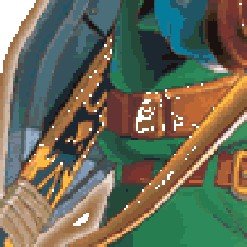
As I was about to save my work and put it on the site, I noticed that those evil Nintendo-ites had removed some pixels here and there, making the image look rather corrupt:
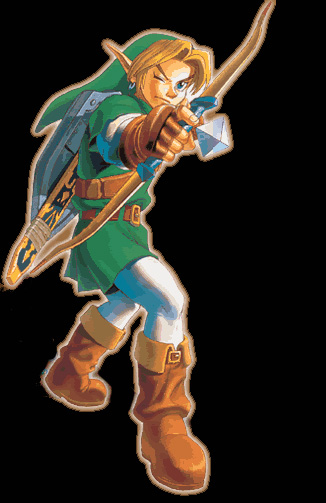
And so begun the longest part of the process, carefully setting the color so it matched up when filled into the empty pixel, and making sure i hadn't left any out. After this I stuck it on a nice black backdrop, erased the stupid shadow and flower, and saved it to a web-format. My task was finnished. The result actually turned out quite nicely, and because you read my article, I'm going to give it to you. Moral of the story: Don't rip from Nintendo unless you're bored and want a project, or really want that picture!!