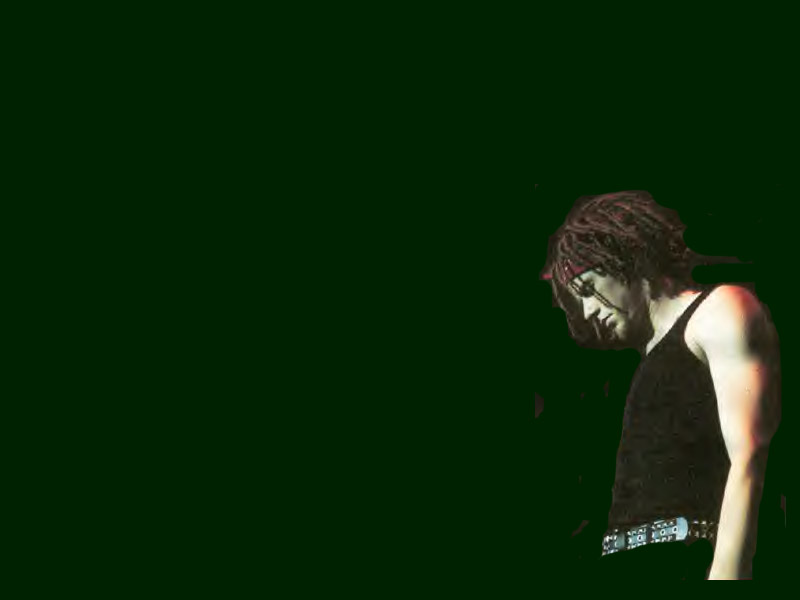
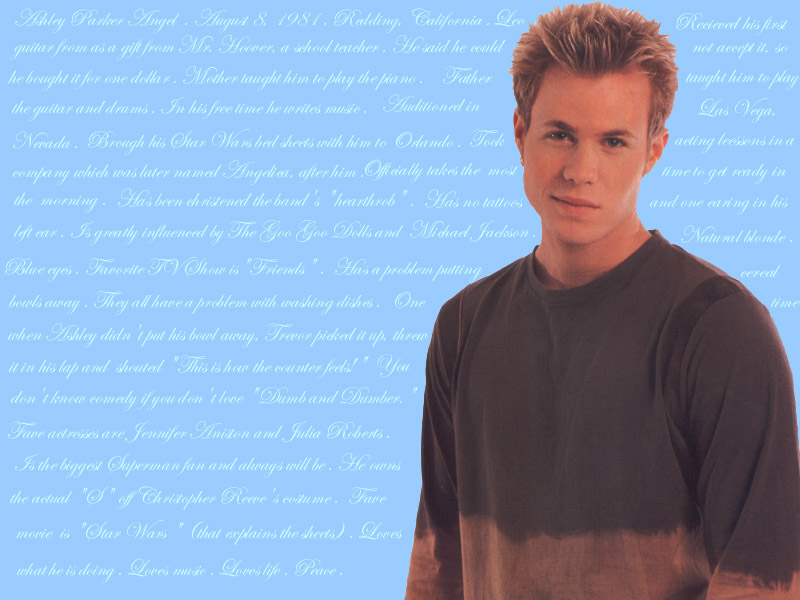
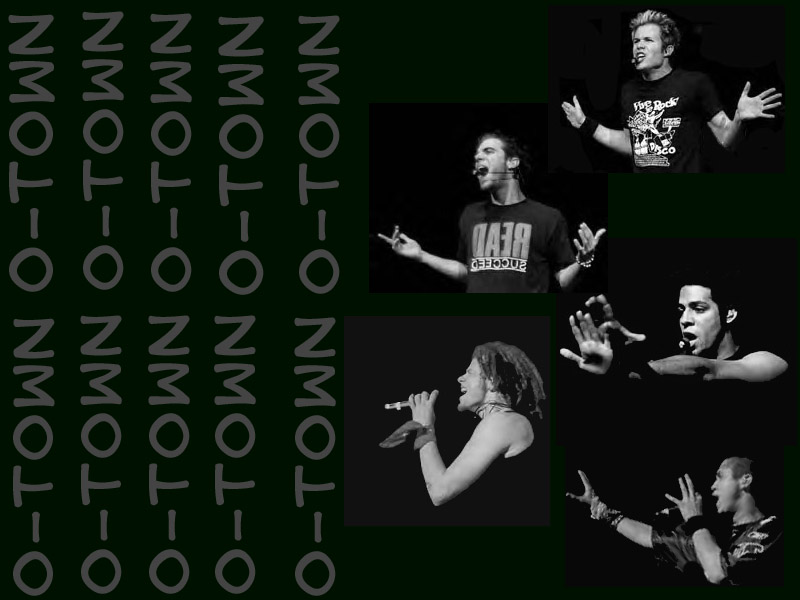
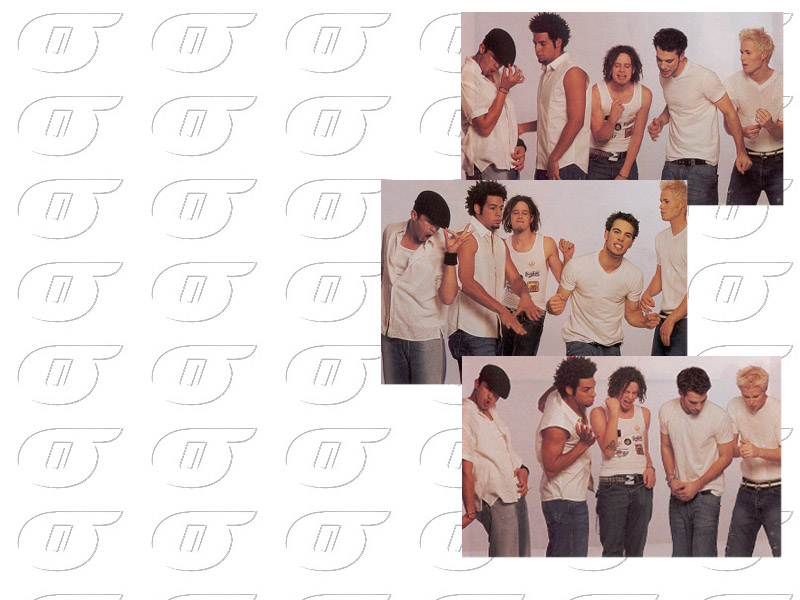
All wallpapers are original to The O-Town Sound. We hope you enjoy!
I know the images are a little blurry, but that's just because of Angelfire - not me! If you want, E-MAIL me and I'll send the file attached so you can upload a clean version right onto your computer!
Set for 800 x 600 screen
Instructions:
1. Click on the Wallpaper to view the full-sized image.
2. Right Click
3. SAVE AS to MY DOCUMENTS
4. Minimize all browsers and RIGHT CLICK your desktop.
5. Select PROPERTIES and then BACKGROUNDS
6. Select BROWSE, then MY DOCUMENTS and then highlight your saved image. OPEN.
7. Highlight it again (if not already) in scoll box, APPLY, OK
8. You're done!