
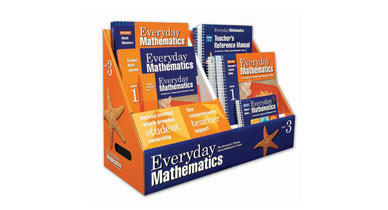
The School District of Philadelphia has put the Teacher's Edition for Everyday Mathematics online!!! Please follow the directions below to access this exciting new feature.
1. Go to http://phila.schoolnet.com/
2. You will see a screen that looks like this:
Click the button that says "teachers".
Enter in your SchoolNet User Name and Password. Then click log in.
5. Click Align
6. Click Profiles
7. Pick a teacher (Your name)
8. Pick by Curriculum homeroom/your grade
This will take you to the planning and scheduling timeline.
9. Pick Math as your subject
10. The page will refresh. Under the column "Instructional Unit" on the left side you will see week #'s and dates. Click on the week you are on.
11. Scroll all the way to the bottom of the new page.
12. At the bottom you will see "Materials linked to the Instructional Unit". Click on the blue info in ( ).
NOW CLICK THE LINK BELOW TO GO TO SCHOOLNET
Welcome to the School District of Philadelphia's
Instructional Management System


3. Now you will see a page that looks like this:

Welcome to the School District of
Philadelphia's Instructional Management System (IMS)
allowing teachers and administrations access to their students
instructional information and resources.

Click the SchoolNet log in button
4. Next you will see a screen that looks like this:

Tips for using SchoolNet:
7.1.0.33129 PHILWEB01


