
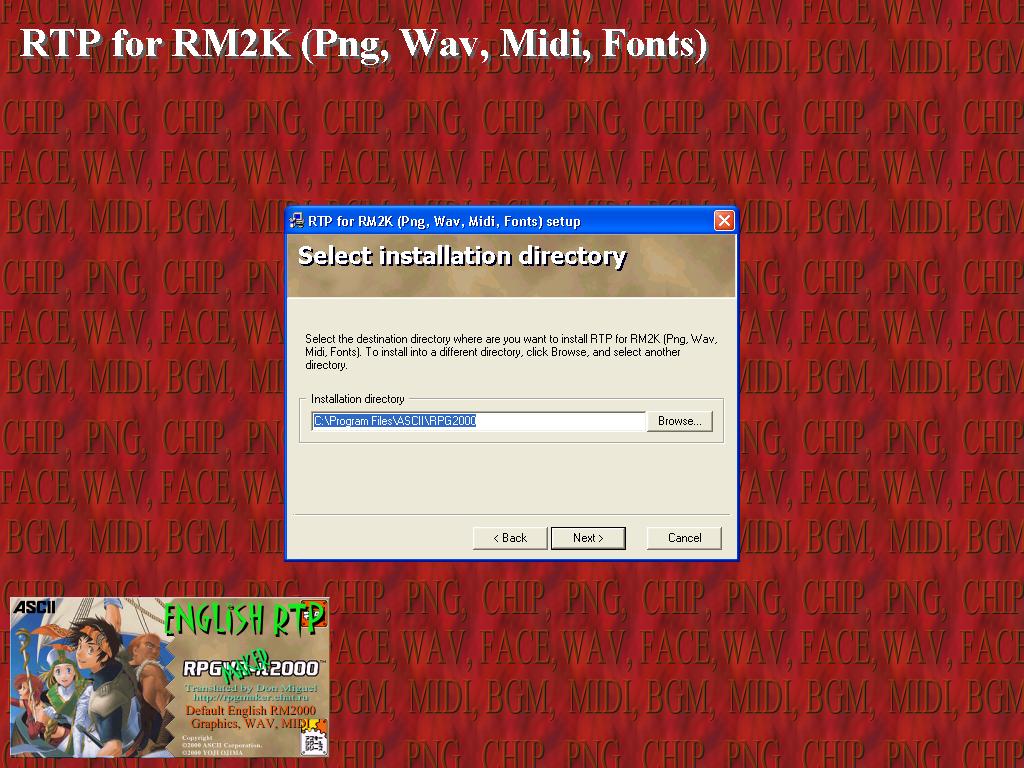
Next install the RTP and RTP 1.32 Patch using the same method. When all 3 things are installed (which should take no more then about 10 minutes on broadband and 2 hours on dial-up) then you're ready to download the game itself.
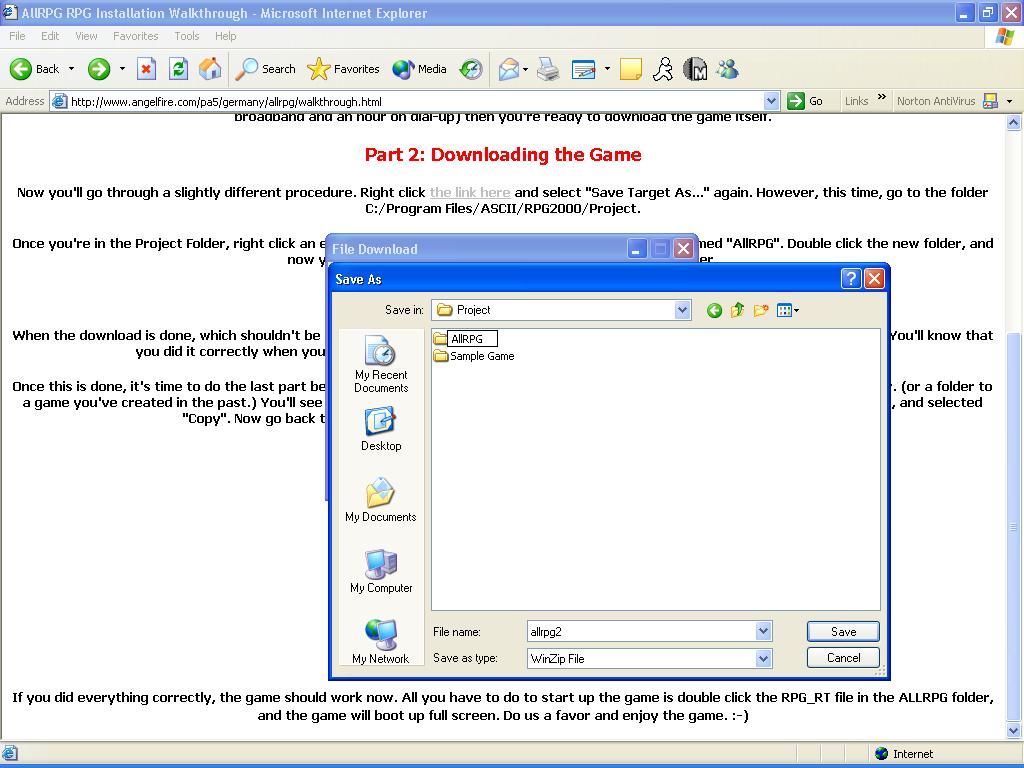
Once you're in the Project Folder, right click an empty space and select Create New Folder. Create one named "AllRPG". Double click the new folder, and now you can finally download and save the game file in this folder.
Now, download the Materials here. Unzip them to the same folder as you did with the previous download.
Once this is done, it's time to do the last part before getting to playing the game. Go to the "Sample Game" folder in the RPG2000 folder. (or a folder to a game you've created in the past.) You'll see a file named "RPG_RT" with the icon showing a boy holding a sword. Right click this icon, and selected "Copy". Now go back to the AllRPG folder, right-click an open area in the folder, and select "Paste".

If you did everything correctly, the game should work now. All you have to do to start up the game is double click the RPG_RT file in the ALLRPG folder, and the game will boot up full screen. Do us a favor and enjoy the game. :-)
Disclaimer: Please don't bother TD or Steve about problems installing the game unless you've tried everything possible. If no hope is left, PM either of us with your specific problem well described, so we can help you. PMs that say "I cant w0rk this thng!" will be ignored.