
Setting Desktop Images
One of the most unique things you can do to your desktop screen is to put a pleasing image there. Occasionally, you find images on the Internet that is worth looking at for a while.
There are 2 methods to accomplishing this: 1)Save the image to your hard drive and then right clicking on your desktop to open Properties, choose the Desktop tab and the browse for the image on your hard drive; OR 2)Right clicking on the image on the Internet and "Set As Background."
Method 1
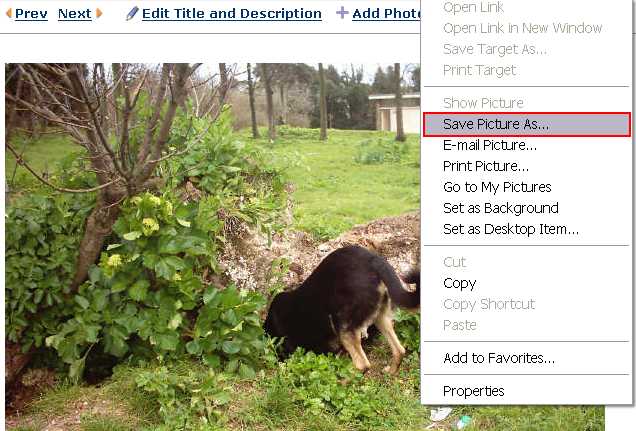
Right click on the image and then "Save Picture As..."
Save to your hard drive.
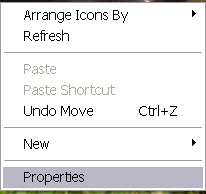
Right click on desktop and select Properties.
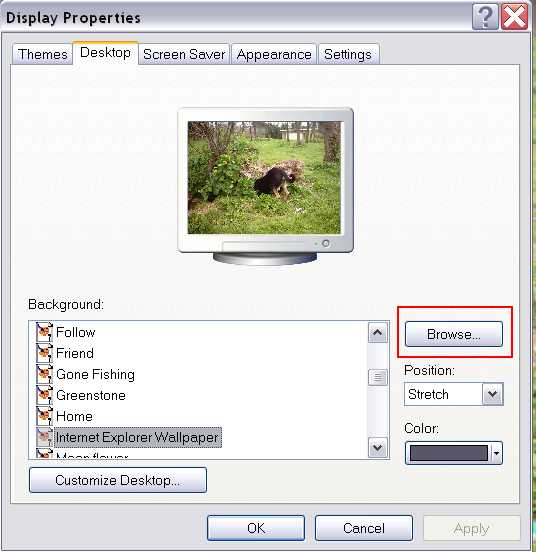
Select the Desktop tab and click Browse button to locate the image.

Select an image.
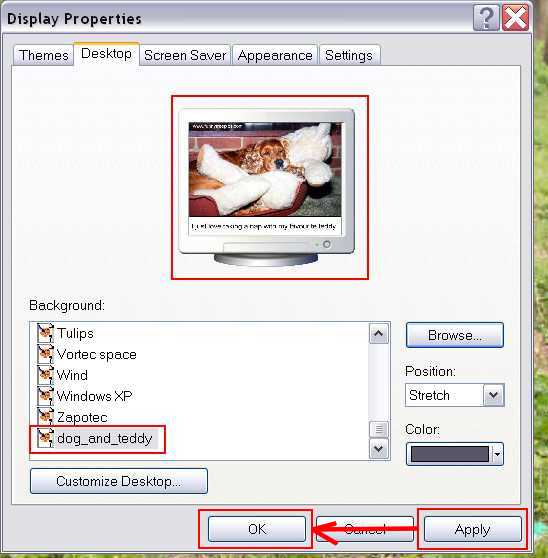
Click Apply and then OK.

Method 2
When you find an image on the Internet that you'd like to see on your desktop, right click on the image and select "Set as Background."
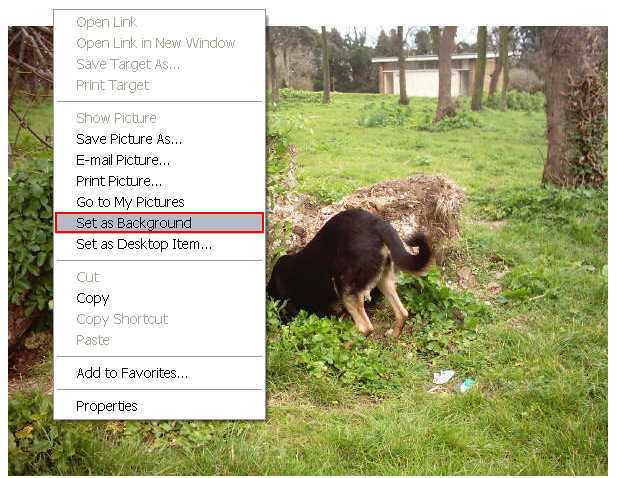

Image is set as desktop wallpaper.
