Changing Font Color
Light colored text on dark background.

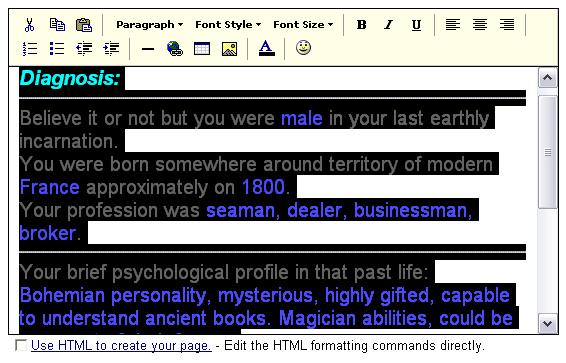
Click at the beginning of the text, drag to the right and down. Copy text using the Ctrl C keystroke command.

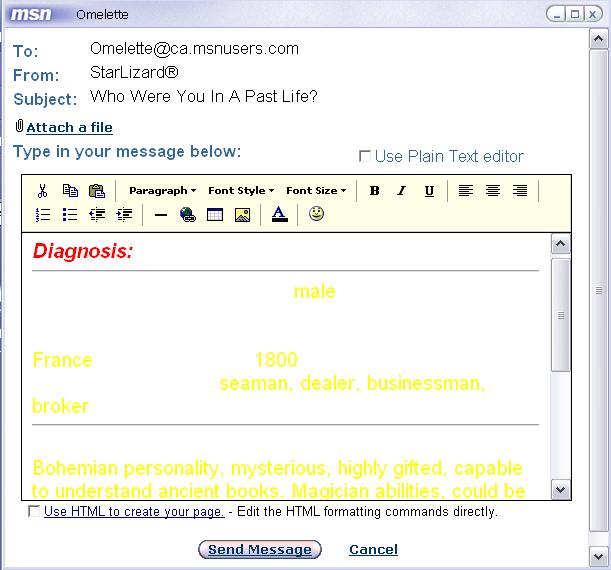
Paste text onto message dialog box using the Ctrl V keystroke command
Highlight text again.
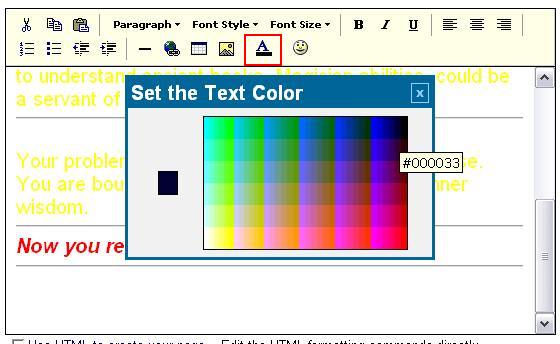
Click on the text color option and select the desired color.
All text changes to a uniform color.