
How to Add Links to the Links Pages in MSN
Many MSN groups offer a special place where links to other sites can be placed. These pages are generally just called "Links." The following shows how to add links to your favorite sites.
Click on Links on the navigation bar on the left hand side of the screen. Here is what the Links page looks like without any links on it. Most times, however, there will be links already added.
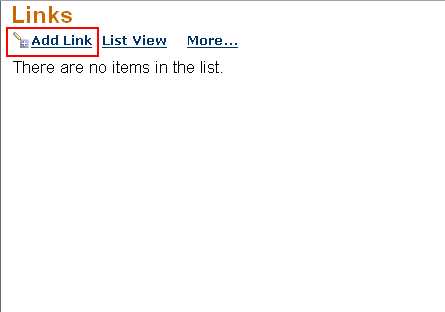
Click on the Add Link icon.
The page changes to the editor.
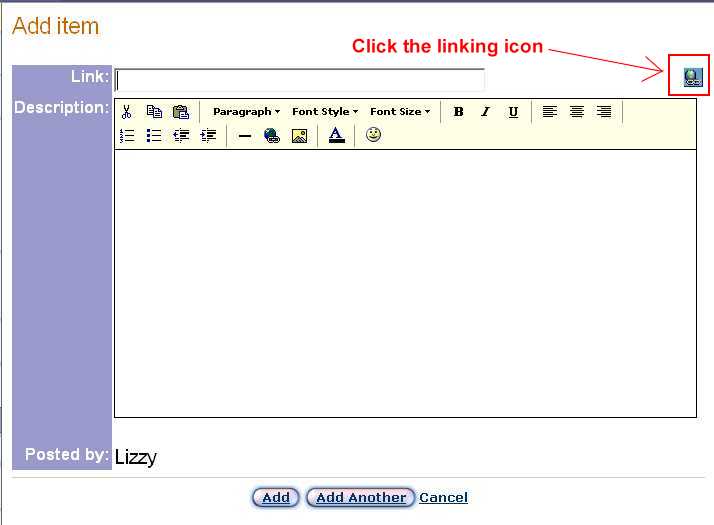
Click on the Linking icon indicated.
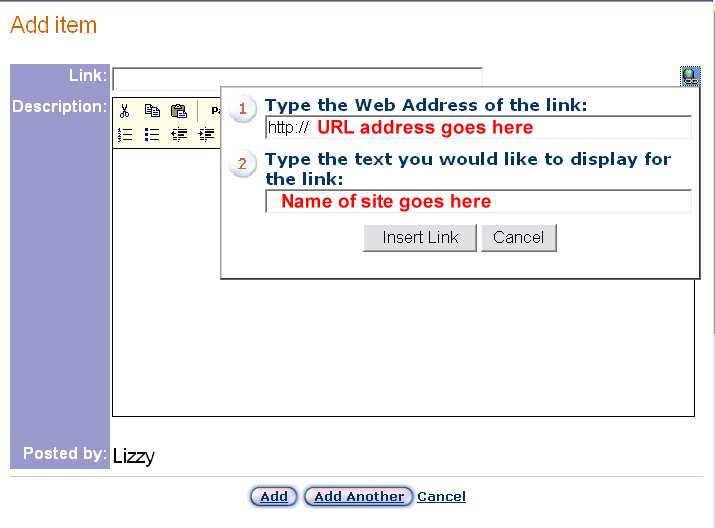
The "http://" is already provided, so all that needs to be typed into that field is the last part of the address; in most cases it will start with "www." In the second part of the dialog box, you type in the name of the site. Below, I am using the URL and name of my own site created for the tutorials I do.
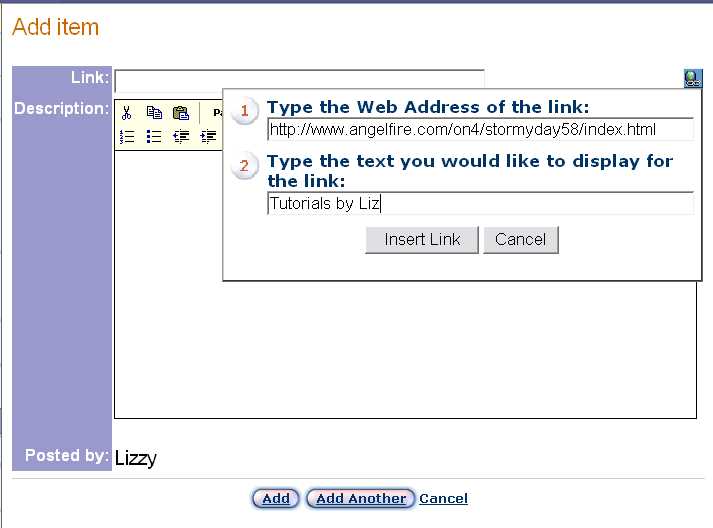
Click Insert Link
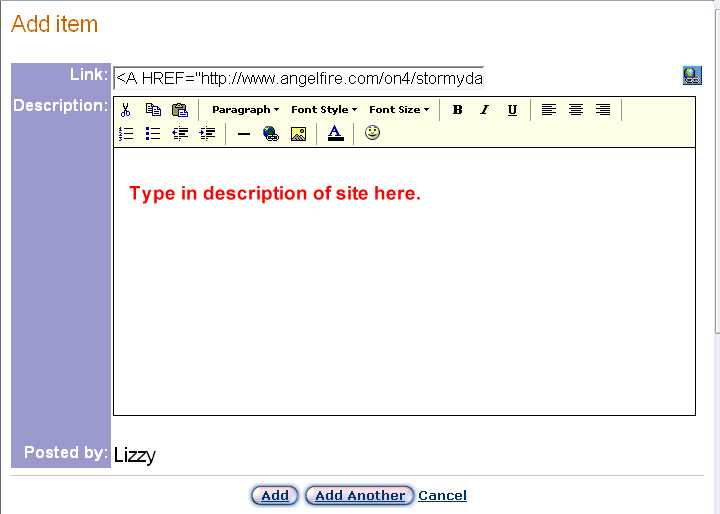
Adding a description of the site is not mandatory, but is helpful. It only makes sense to add one, so that others who may be interested in browsing the site will know that the site will be of some interest to them.
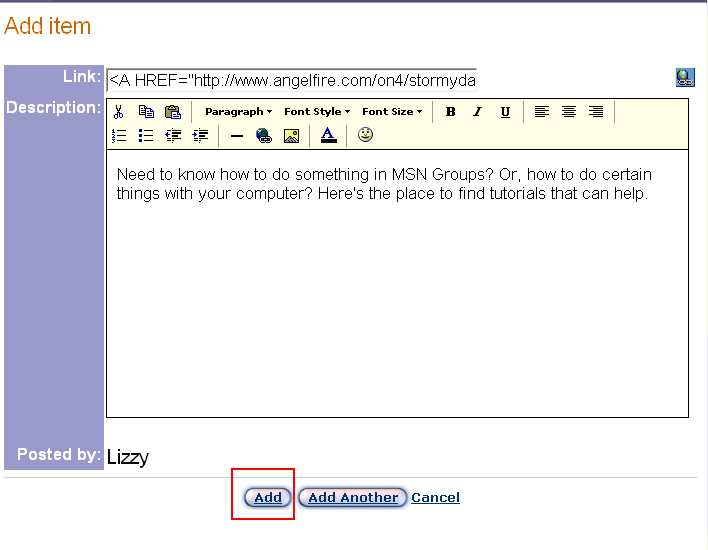
Once the description has been added, click the Add button.
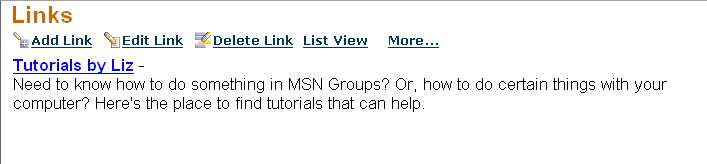
The link has been added. The title "Tutorials by Liz" is the linking object.
