
by Liz Storm
The assignment for the week of March 18th was to create a custom paintbrush in a graphics editing program. Since I'm the only known member of WOSIB that uses Corel PhotoPaint, I'm pretty much on my own when it comes to doing the assignments. Up to this point, I had some idea about how to do each assignment in Corel without a great deal of trouble. This assignment, however, had me stupified for more than a couple of hours. I finally figured it out, though, and tried out several different images just to see what I could do.
The experimental image given with the assignment was a piece of clipart of a long stem rose.
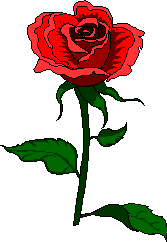
The "rose" could be left as, or, it could be manipulated by changing the coloring effects. My solution to the challenge was to take out all color and have only a silhouette with which to work with.

Using some "fill" textures that I had created previously, I filled in the silhouette. Below are the paintbrush effects filled in with those textures.
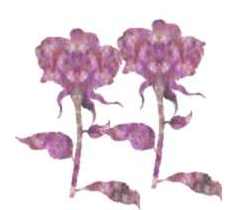
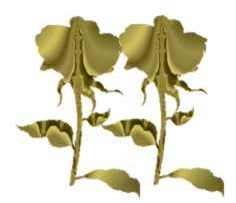

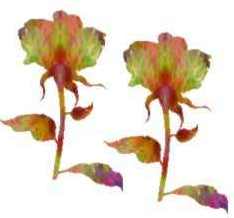
I feel I must explain at this point that these are not just filled in silhouettes, but was actually "painted" with the paintbrush tool. Discovering how to make these images actual paintbrush effects was the REAL problem to be solved with this assignment. I could show someone how to do it, but creating a tutorial for it would probably prove to be an exercise in dismal aggravation.
With the above images, the assignment was completed. However, I couldn't resist playing with my newfound knowledge and I went on to experiment further with it.
I've got tons of images on my computer that I created. Several months ago, I picked up some pine cones that were laying on the sidewalk and brought them home and arranged them in a sort of "star" shape on my scanner bed and scanned it. 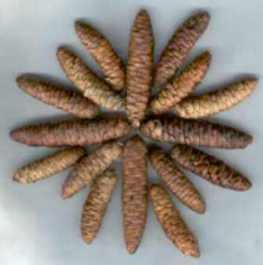
I have recently discovered how to use the "path-node" tool in cutting out images from their backgrounds; and this is what I did with the "conestar." After cutting it out of its background and pasting it onto another blank background, I did the same as with the rose and converted it to a silhouette.
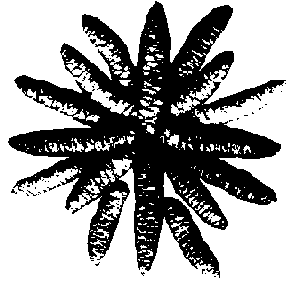
Again, I used one of the fill textures that I had created and colored in the silhouette of the conestar.
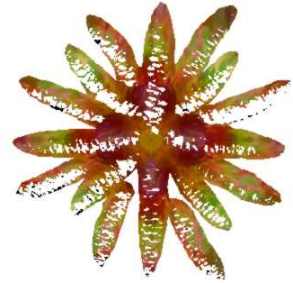
I reduced the size of the image, converted to an 8-bit paletted image, and then saved it as a GIF image. I re-opened the GIF image and then masked it so that I could create a 3-D effect to it. Achieving the following image:
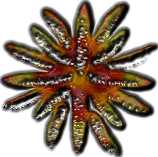
At this point, I'm beginning to wonder what practical application creating a custom paintbrush would have. So, I opened a new document and "painted" it with this image:
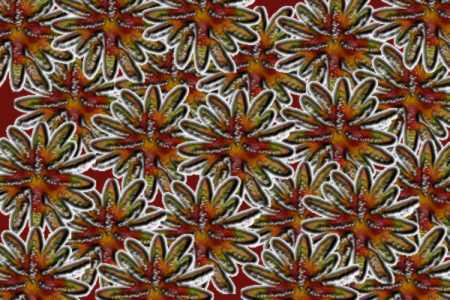
Interesting effect, but I still don't think its very practical. Esther, our fearless leader of the the Creators Garden, suggested that it could be used as a "fussy background." Perhaps, but I can't imagine trying to use something like this as a background for a webpage. In the first place, getting it to be seamless would be next to impossible. And then, finding a font, a font color, and a suitable font size would be hard to do, too.
Did I stop there? No, I didn't.
A couple of days went by and I sat down here and tried something different. This time, I used a scanned image of a maple leaf.
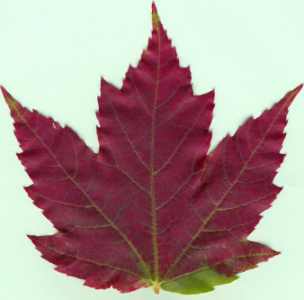
I went 2 ways with this one. I still had to cut the leaf image out of the background with the path-node tool and paste it onto a blank document so that I could get a continuously colored background so that when I converted it to 8-bit and saved it as a GIF image, that the background would be totally transparent. However, I again created a silhouette image of the leaf after reducing the size. That one was for filling in. But, I also used the original image as well.
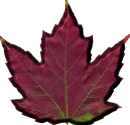

As with the conestar, I had to try at least one of those as a paintbrush on a blank document.:
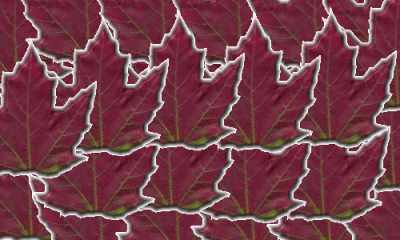
All in all, it was definitely a learning experience to do this assignment. I still don't think it has any practical usages, but then again, there is always the odd chance that I may run up on some project or another that I could use this effect.
