HOW TO OPEN AND SAVE A GLITTER FILL
*I am using Ulead GIF Animator 5 for this tutorial. But you can accomplish this with another animator, with nearly the same instructions*
1. Open your GIF Animator
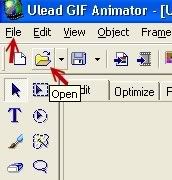
2. Choose OPEN. You can either click the yellow Open folder, or go to FILE then to OPEN.
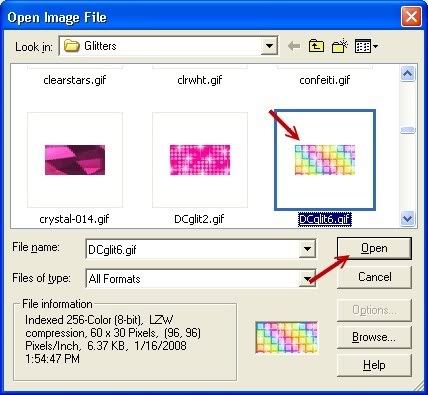
3. Locate the glitter fill you wish to use and select it.
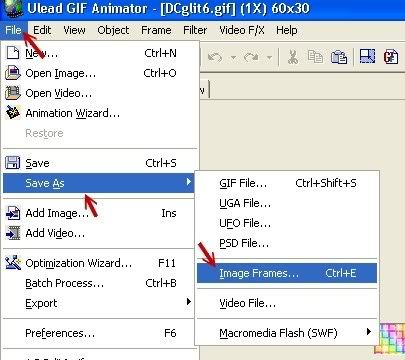
4. Go to FILE -> SAVE AS -> IMAGE FRAMES
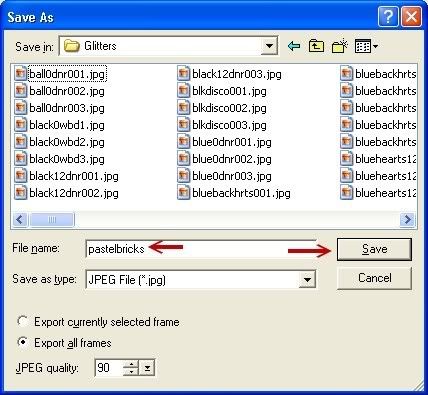
5. Choose the location you want to save your fills and name it and click save
Then simply follow the tutorial for using Glitter Fills to use your fill!
Created: 05/22/2008
Email
Home

