Open the image you want to work with ,go to the menu bar and press the photo enhancer button

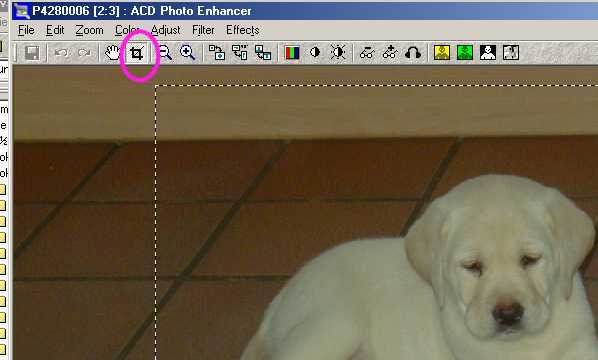
press the crop button , and mark the area you want to see, then double click inside the area .
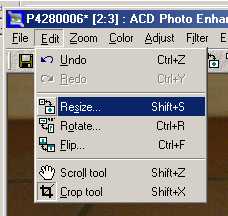
then you go to the menu bar click edit/ resize
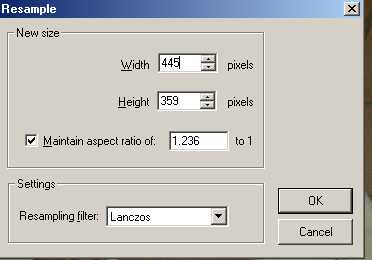
then you set the measurements you want for your image and press the ok button
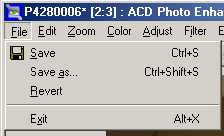
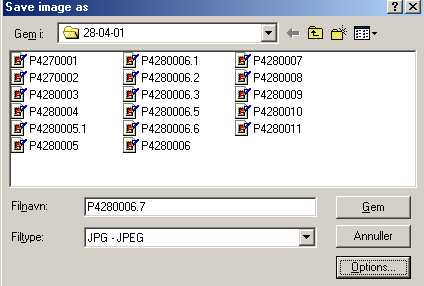
go to the menu bar click file/save as
give your new file a name and press the options button
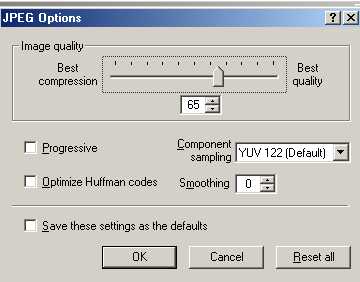
then set image quality to 65 and press OK
and press save and you are done
I started out with a picture on 210 KB 1280x960 pixels and end with 11 kb size 445x359 here you have the result
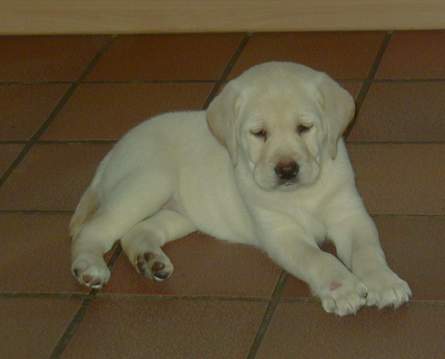
I can even enlage it and it's still only 11 KB

