Watermark Tut
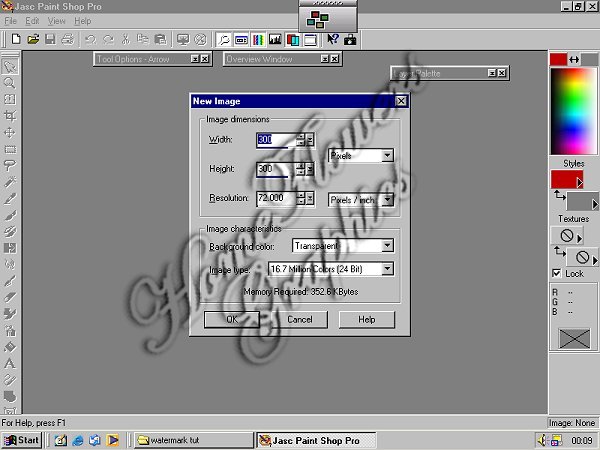
Open a transparent canvas 300 x 300 pixels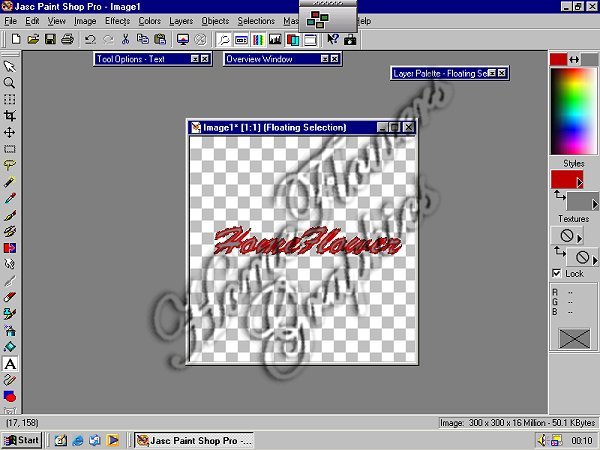
Adding Text
Add text using font of your choiceMake sure the "floating" selection is chosen
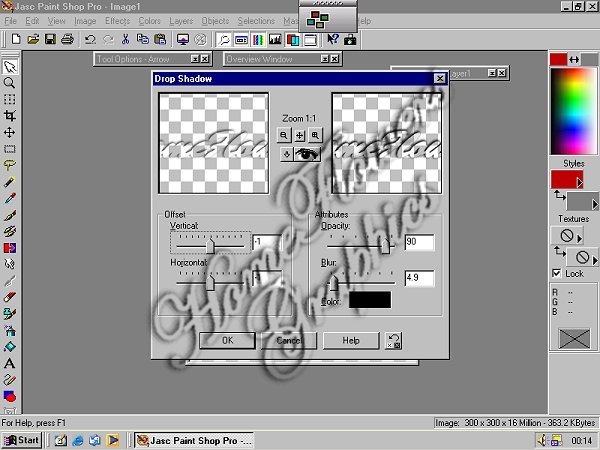
Click "ok"
With your Crop Tool trim off the excess canvass then proceed to next step
|
|
Watermark TutOpen a transparent canvas 300 x 300 pixels |
|
|
Adding TextAdd text using font of your choiceMake sure the "floating" selection is chosen |
|
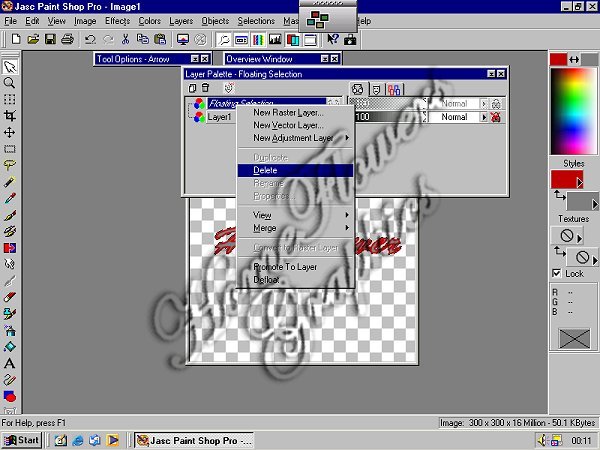
| On the layers palette, right click on floating selection and click "delete" |
|
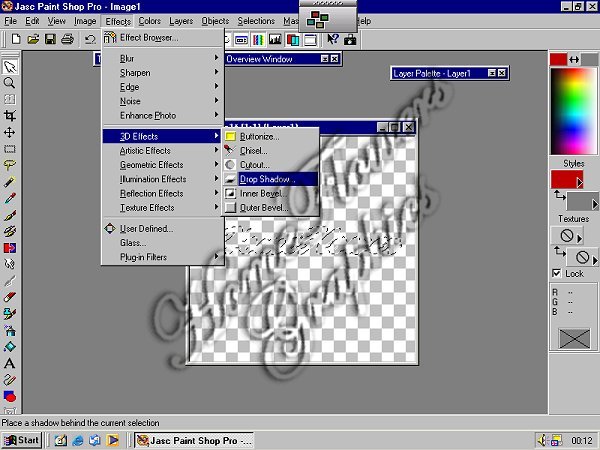
| Next: Add a drop shadow from your EFFECTS menu |
|
|
The settings for the Drop Shadow are
Click "ok" |
|
|
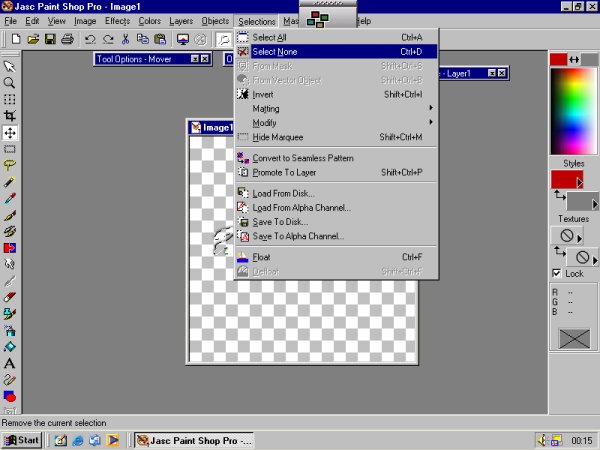
Choose the SELECTIONS tab and choose "select none"
With your Crop Tool trim off the excess canvass then proceed to next step |
|
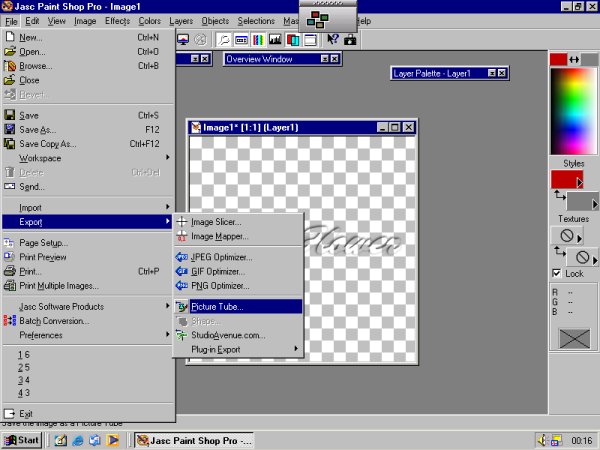
| From the "FILE" tab, select "EXPORT" , "PICTURE TUBE" |
|
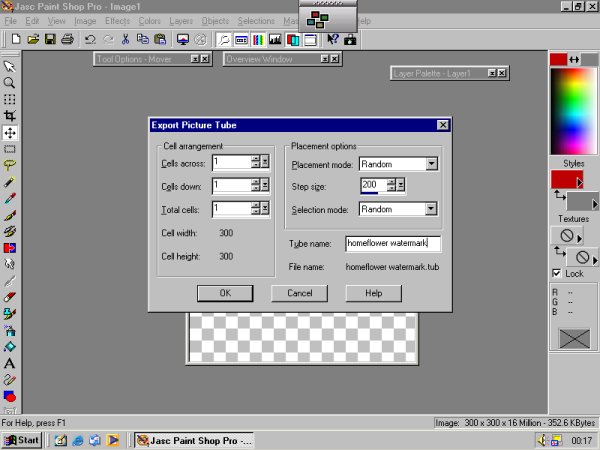
| Name your new tube and click "ok" |