If you do not have Paint Shop Pro 7, then please go to Jasc Software to download a free 30 day trial version.
Save this animation to your computer Transparent Glitter Animation
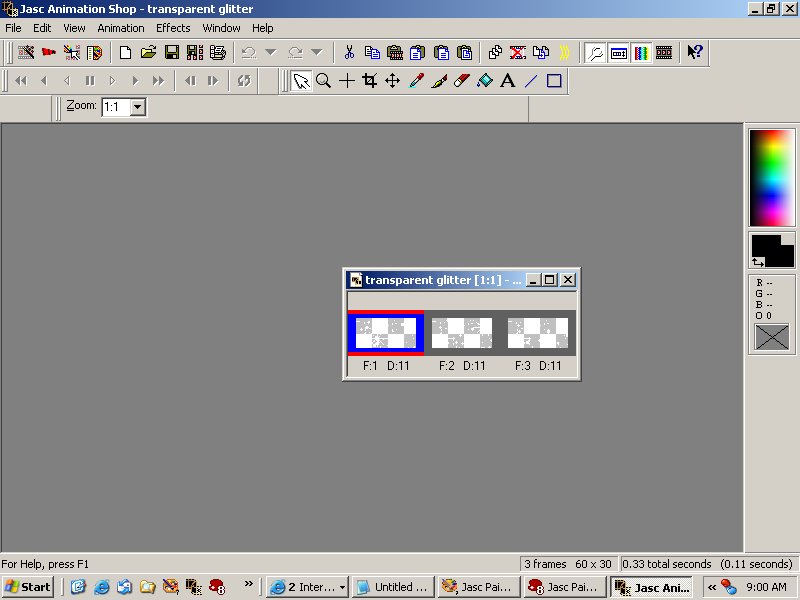
Open up the Transparent Glitter Animation in Animation Shop.
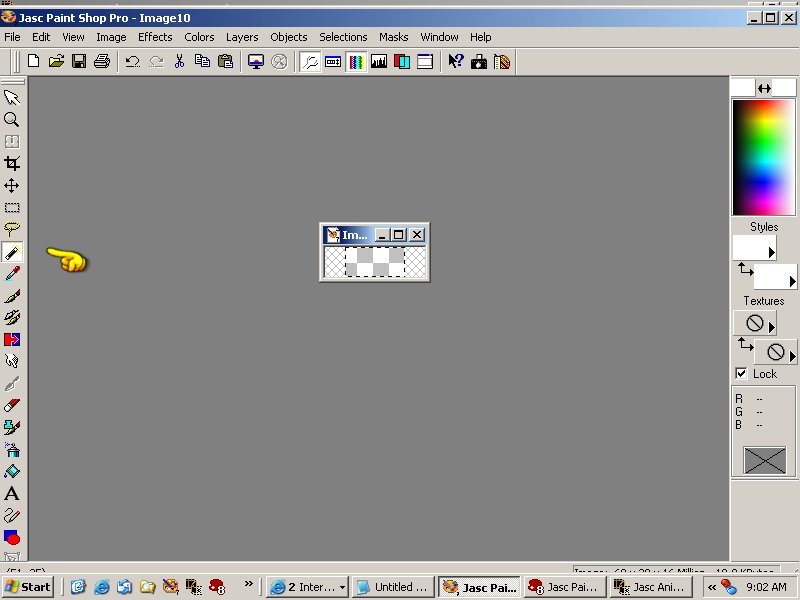
Open up a new 60 x 30 transparent background page in Paint Shop Pro.

Click on the magic wand.
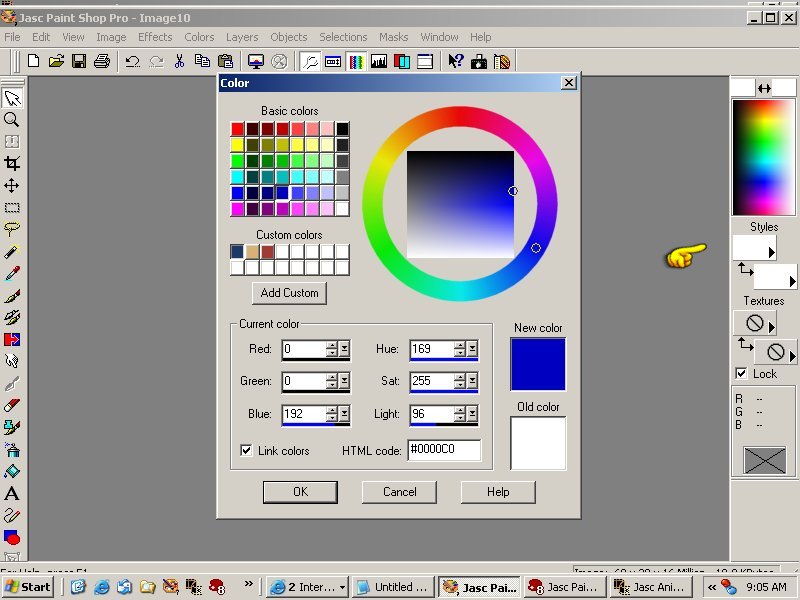
Open the color palette and choose your color (this is the color that was chosen for this tutorial - #0000C0).
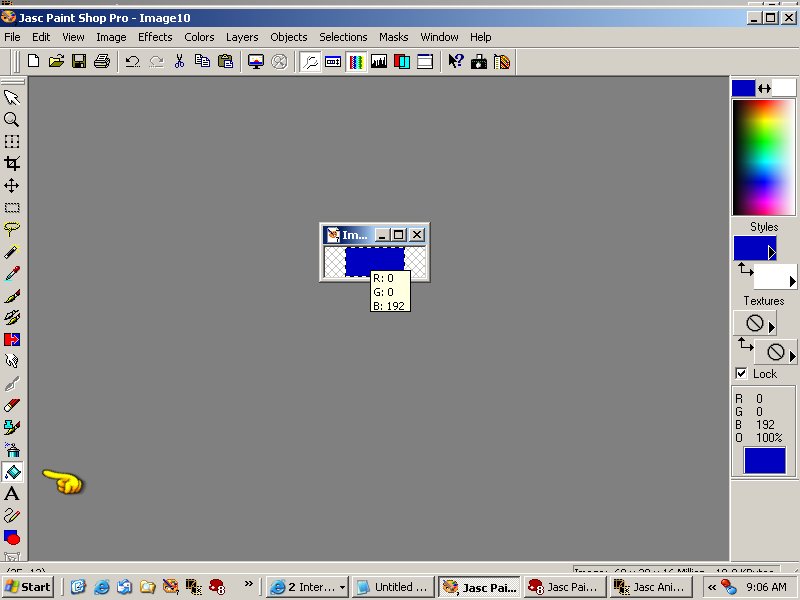
Flood fill the transparent box.
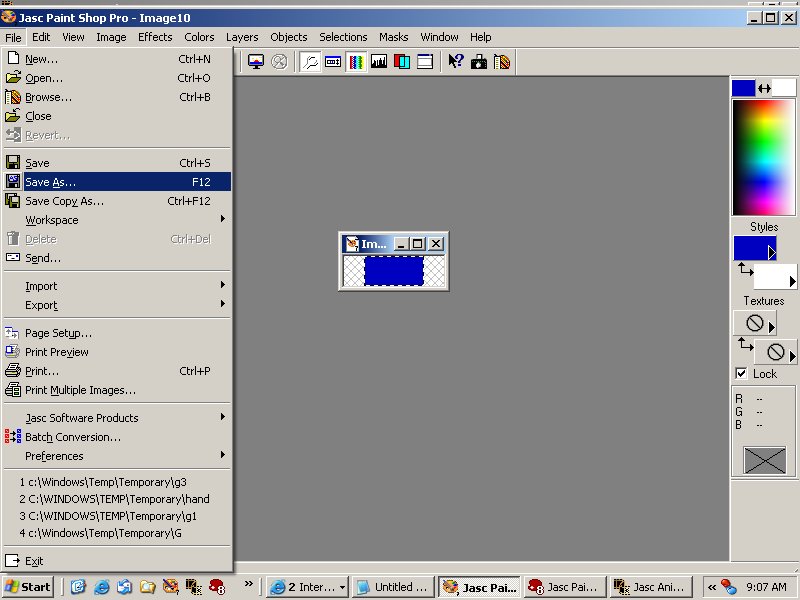
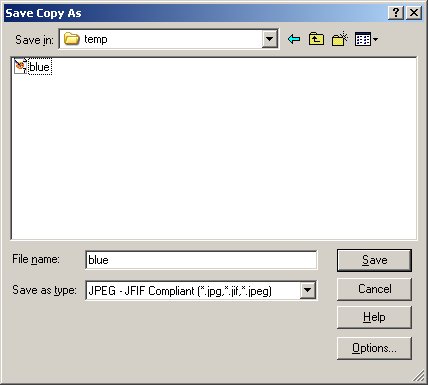
Save this image to your temporary file folder (I named mine blue with a jpg extension).