
Angelfire Uploading Part 3: Transferring Project Web to Website
* Whenever you need to upload changes made to your project web, just carry out the steps in Part 3.
1. Open your project web with FrontPage by carrying out the steps you had learnt during the lessons.
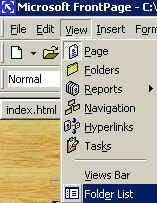


2. Click View, Folder List 3. RIGHT-click index.htm 4. Type in index.html and press Enter
,then left-click Rename H T M L

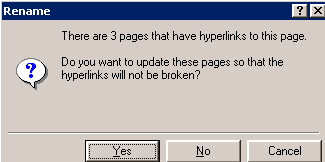
5. Click Yes 6. Click Yes


7. Click File, Publish Web 8. Click Options
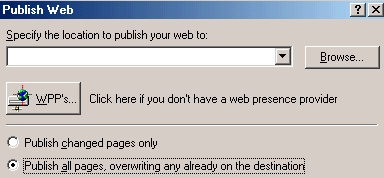
9. Click Publish all pages ..... destination.

10. Type in your own website address and click Publish
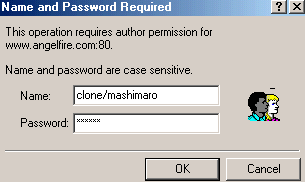
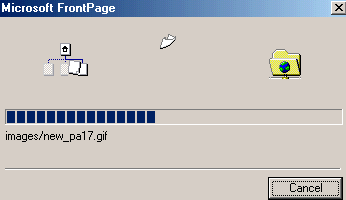
11. Type in your own username and password. Then, click OK WAIT .............
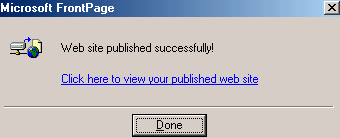

12. Click Done 13. Enter your website address into Internet Explorer


