Graphics cards can become very hot during usage, especially if
you run 3D applications on them. However, this may shorten their
lifetime. To avoid that, you can improve the card's cooling by
adding a fan.
One way for this is to insert a slot-insertable fan into the next
slot on your motherboard on the heat sink side if you have a
vacant slot there.
The other way is to DIY and mount a fan on the graphics card.
Here you can see an example of how to equip your heat sink cooled
graphics card with a fan.
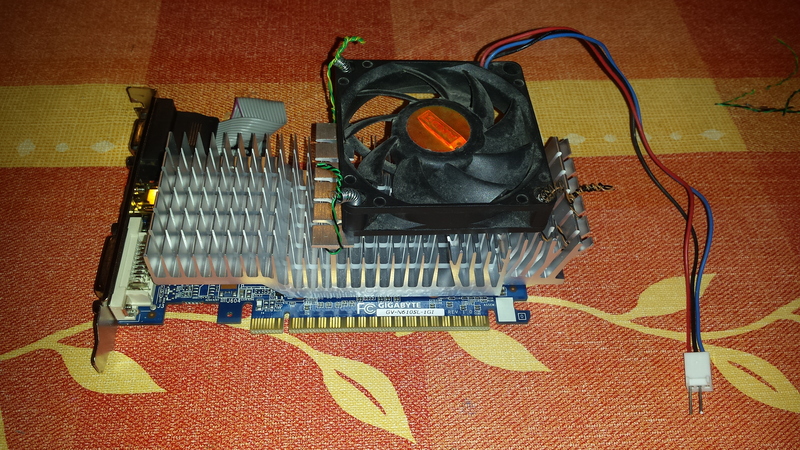
I used a Gigabyte nVidia GT 610 GPU card and a 3 wire AMD CPU fan.
When fastening the fan, I used the springs from ball point pens
to provide tension and keep the fan pressed to the heat sink
continuously. I've used a twisted pair of thin insulated wire
guided through the screw holes at the corners of the fan to tie
the fan to the heat sink.
Insert the card into your PC. Double check that the fan is not
blocked by any cable.
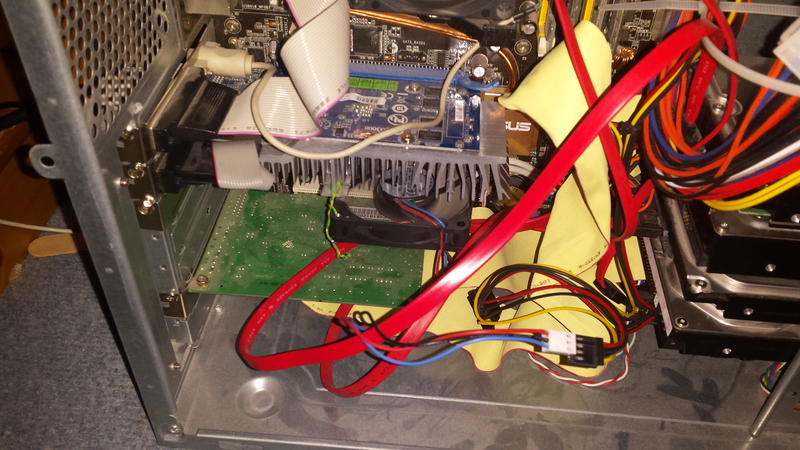
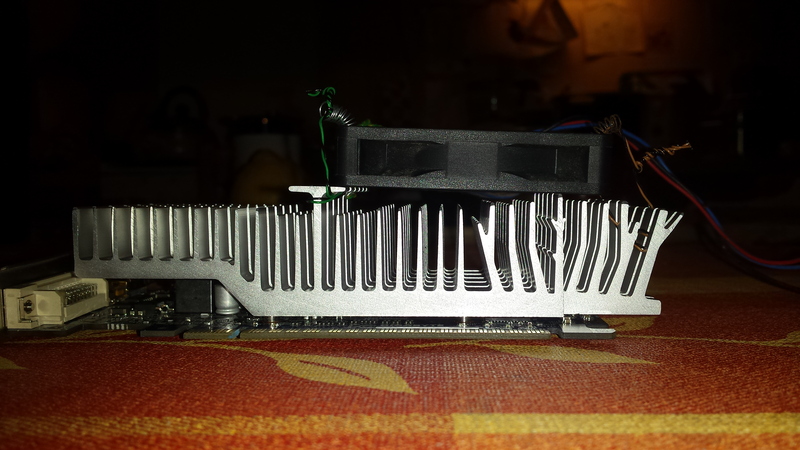
Notice that quite a part of the fan reaches over the heat sink,
but this is no problem.
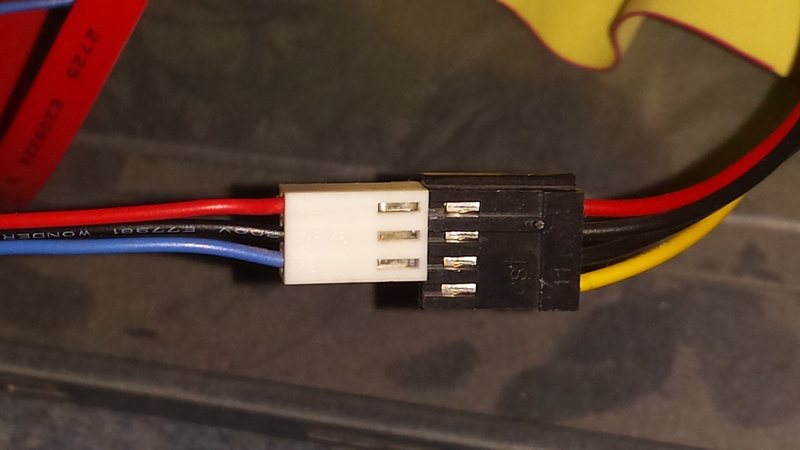
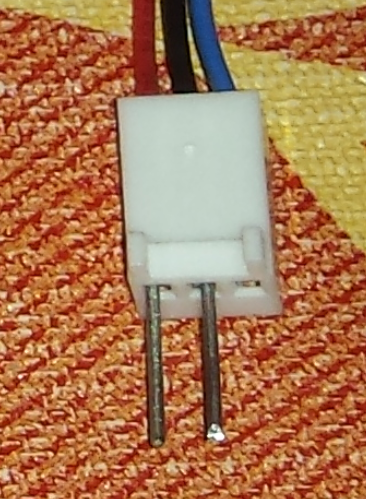
Connect the fan to the female floppy power connector of your PC
power supply by pushing the 2 pins (inserted above) into it: