Things to note:
*Once you close your Poser program, all of the morphs that you added will be lost. So, you'll have to do this every time you want to use morphs. Once you get the hang of it, it goes really quick and you won't even need to follow the tutorial.
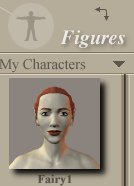
*If you make a new character that you really like and you know you'll want to use it again, just add it to your character library.
To do this:
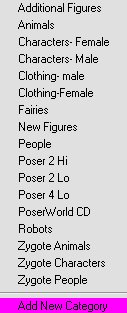
a) Choose "Add New Category" from your "Figures" submenu.
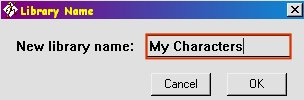
b) Give the new library a name such as "My Characters".
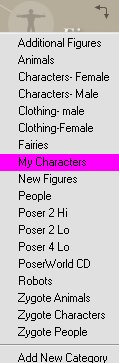
c) Now choose your new category from the "Figures" submenu.
d) Click on the "Plus Sign" at the bottom of the screen.

e) Give your new set a name.
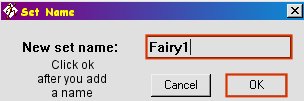
f) Your new character will now show up in your "Figures" menu.
Page 4

