
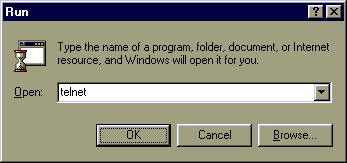
 Telnet is automatically installed on a Windows computer. Click the Start button, then click Run. Now type
 telnet into the box and click OK.
Note: Fallsburg students type f:\courses\atrt\puzzles\start.
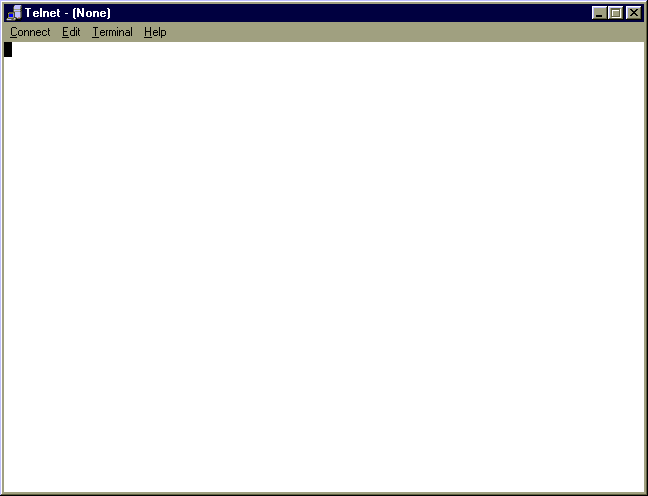
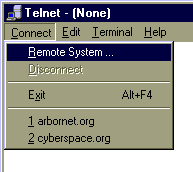 You will get a box like this(on left). Click Connect, then click Remote System (as shown on right).
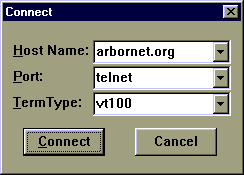 Now a Connection box will pop up. Type
 arbornet.org into the Host Name box. This is he name of the computer you will connect to. Verify that Port is set to either Telnet or 21. Now click Connect. After 1-10 seconds you will see the login screen, depending on your connection and arbornet.org's current traffic.
