
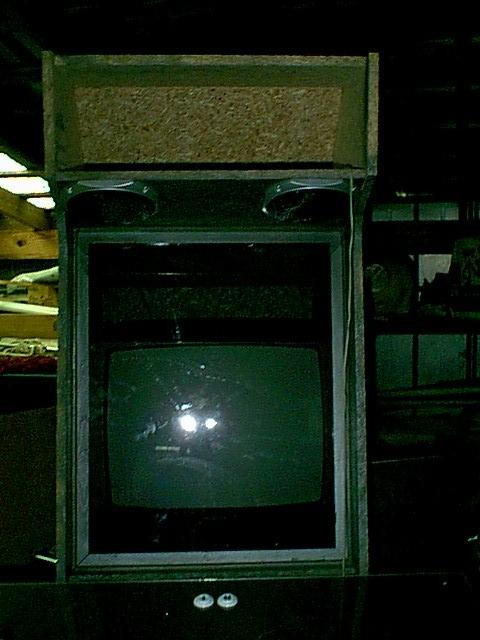
I have started construction of my very own arcade machine. I have completed the main part of it as seen in the picture below.
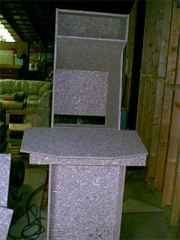
I have painted my arcade machine with a metallic gray.
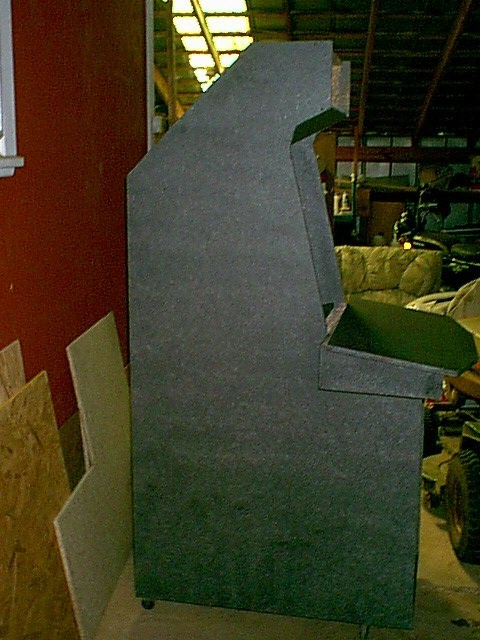
While I wait for the parts for the control panel (joysticks and buttons) to arrive I will work on my keyboard hack.
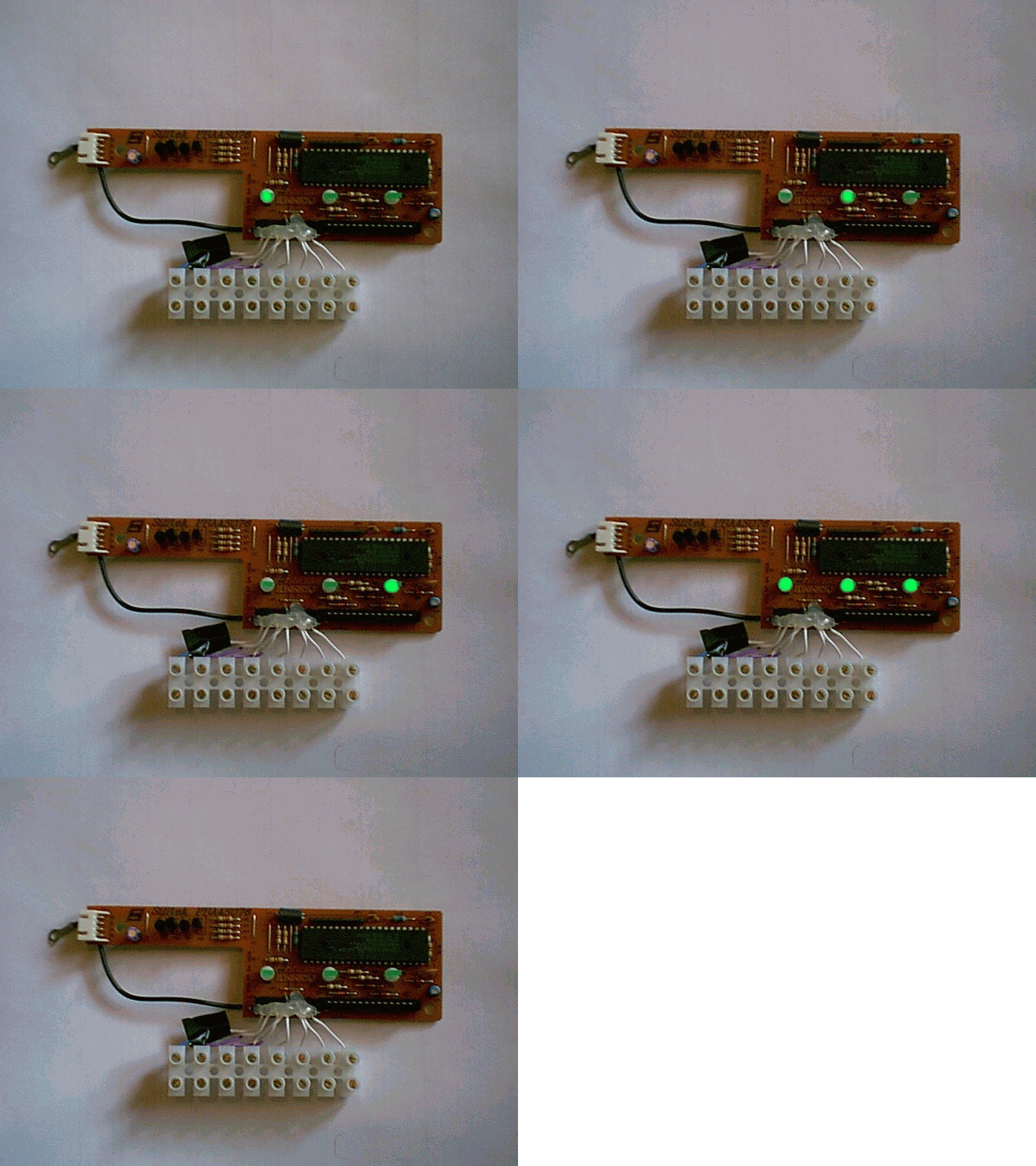
This is a circuit out of a keyboard that I bought at the GoodWill store for 2.00 dollars. As you can see, I have glued some wires to a slot and attached a quick connect terminal on one side of the circuit. I will do the same for the other side too. When one terminal on the left slot is crossed with a terminal on the right slot, it presses a key. I will wire the terminals to my control panel to make a easy way to hook up 12 buttons and two joysticks.
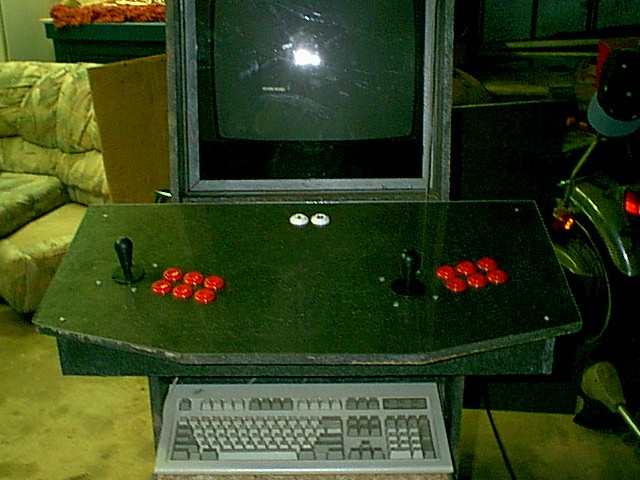
8-27-01: I have finished the controls and placed a 19 inch tv in the arcade machine.
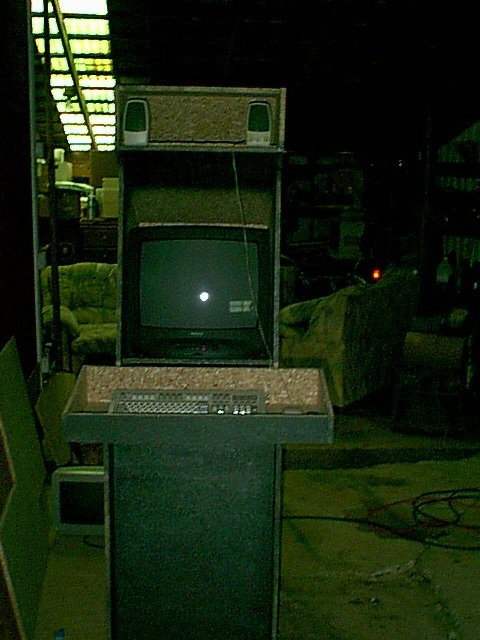
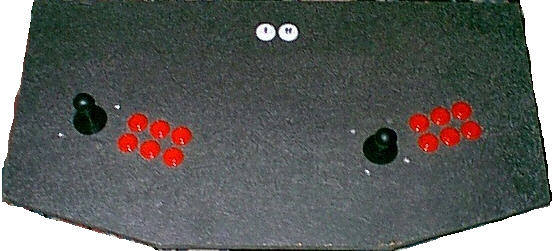
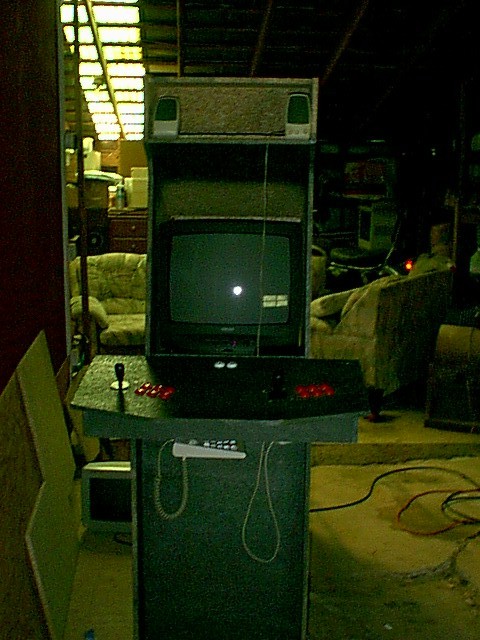
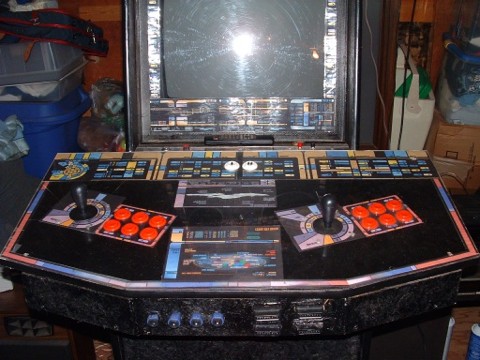
Here is my arcade machine with the control panel attached to it.
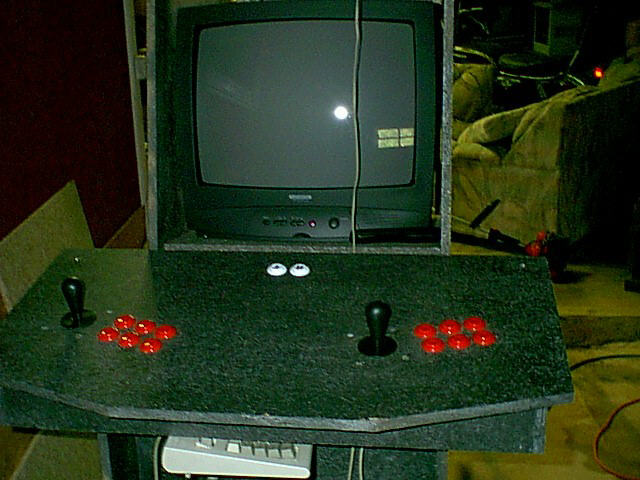
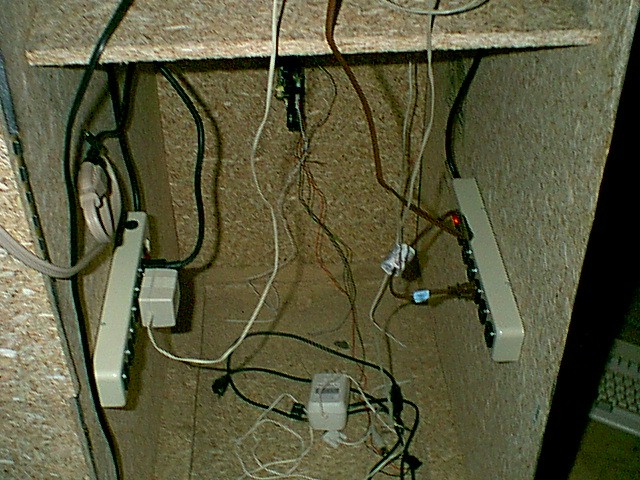
The wiring for the controls is pretty messy but it works for me.

I have also completed the speakers for the arcade machine.

I used two speaker grills from Radio Shack (the best place to buy electronic parts in the world) to cover the speakers.

I basically used two old desktop speakers and gutted the speakers out of them and made a hole for each of them to sit in.

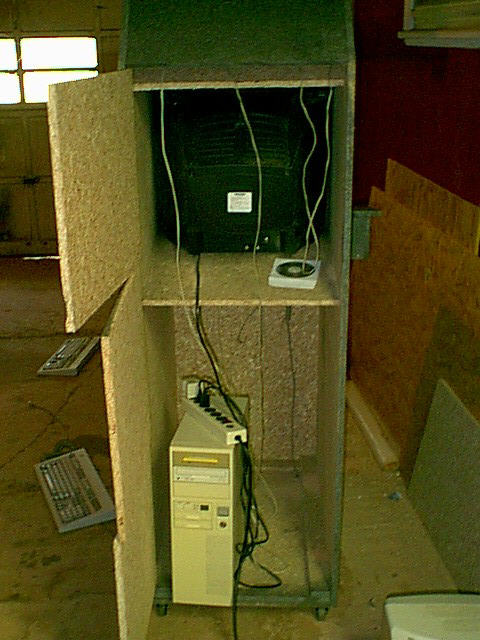
Here is the insides of the arcade machine. An old 486 computer running Windows 95 and a 19" Curtis Mathis TV.
I will be upgrading soon.
I have installed a screen for the arcade machine and made a glass overlay for the control panel. It is an acrylic safety glass.
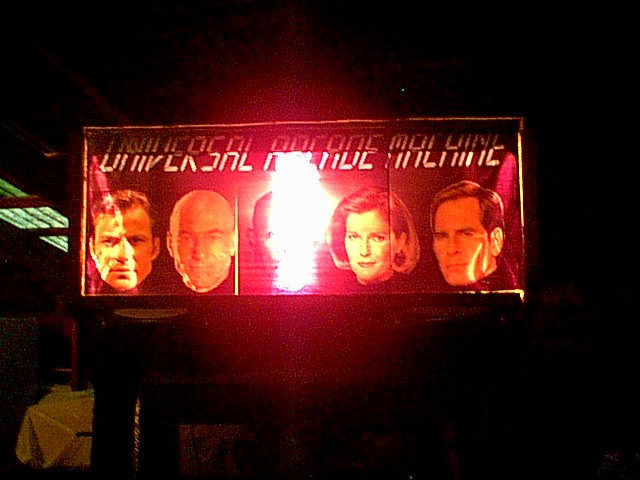
1/29/02: I have made some major improvements to my arcade machine. I have a logo on the top of my arcade machine now. You can't see it good but look a couple of pictures below and see it in a jpg file.

I got some wiring done in the back of it and now have two power strips in it.
I have my coin slot mounted and working now. I can set it for any coin.

I built a new computer for it that has 125 megs of memory, 20 GB hard drive, 52x cd-rom, and a AMD K6-2 550mhz processor.


Here is a picture of my logo for the arcade machine. I plan to have it professionally printed on fiberglass as soon as I can.

Here is the new video card I just purchased.

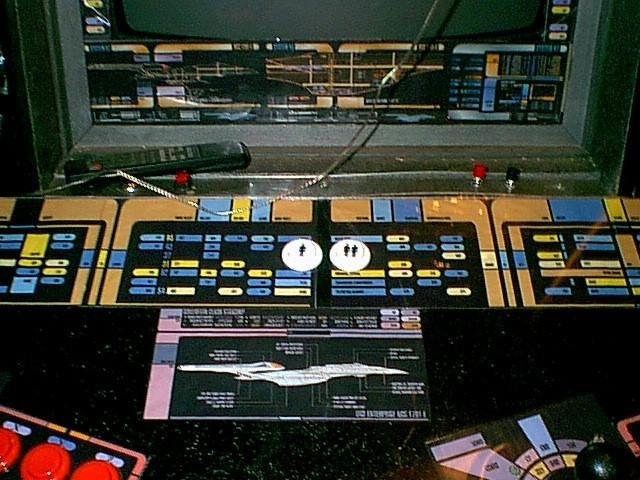
Here is an updated picture of the arcade machine. I have gave it the whole star trek look.
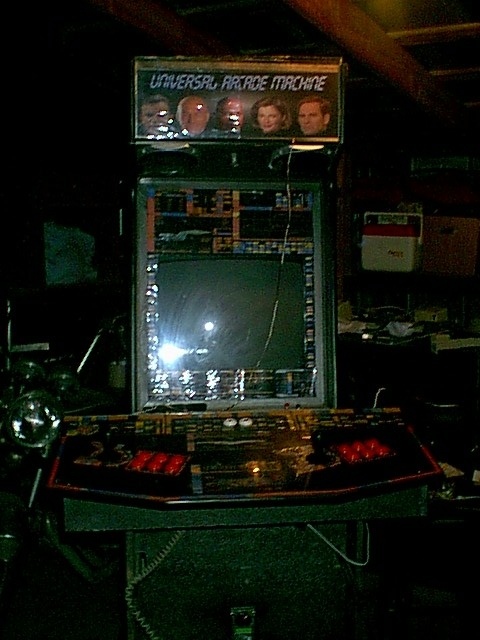
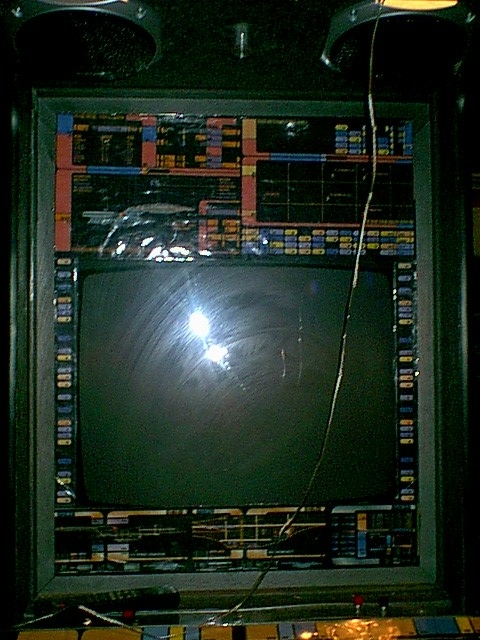
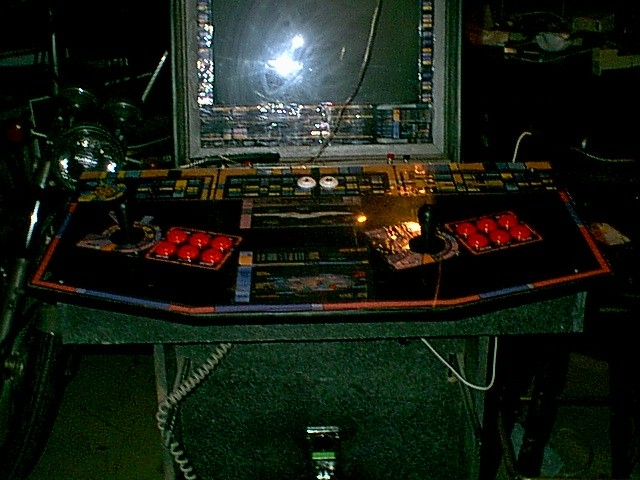


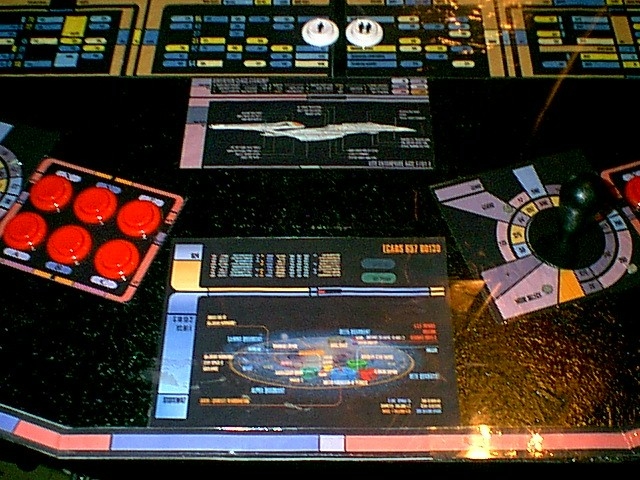
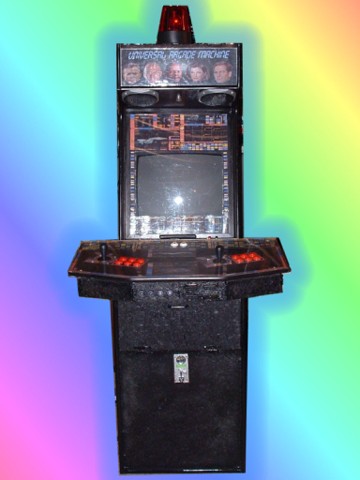
I made some more modifications to the old arcade machine. I added a door to the front that folds down to reveal a keyboard drawer. Also added GameCube and PS2 ports to the front of the control panel. I have also made it into a DDR Machine. For those that don't know what DDR is, it is a game called Dance Dance Revolution. You use dance mats as your controller similar to the old PowerPads for the NES. When the arrows on the screen pop up you have to press the arrow on the dance pad that matches it. It is a pretty cool and sometimes hard and challenging game. The top two psx ports are for the computer and the bottom two are for when I hook up my ps2 to the arcade machine. When I use the PS2 or GameCube I just put the console on the drawer and slide it in and close the door so you don't even see the console and if I want to change games I just open the door and pull the drawer out and put in a differnt game. Also if you are wondering what the red light is for on top of the arcade machine, it is just for looks when I play DDR. I also have some matching subs that have neons on each side of the arcade machine. Each time the music beats they light up.



I finally found the plans that I used to build the arcade machine. You can view them in the link below.
I will add more pictures as I work on it.
