
Defragging your hard drive is actually benifitial no matter what anyone tells you. It rearranges all your data on your hard drive so that it takes less time to read data off it.
Now on to defragging. First off you click start, then go up to program files, then to accessories then to system tools and click disk defragmentor. If you can't see system tools or accessories there will be two down arrorws click them and they should appear.
When you have disk defragmentor open highlight a hard drive.(Most likely it will be C:) and click defragment. Or click action at the top and defragment. | 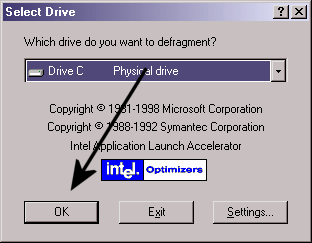 |
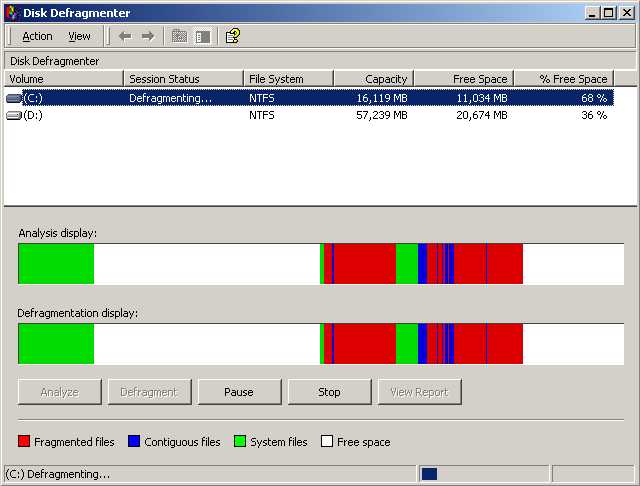 |  |
