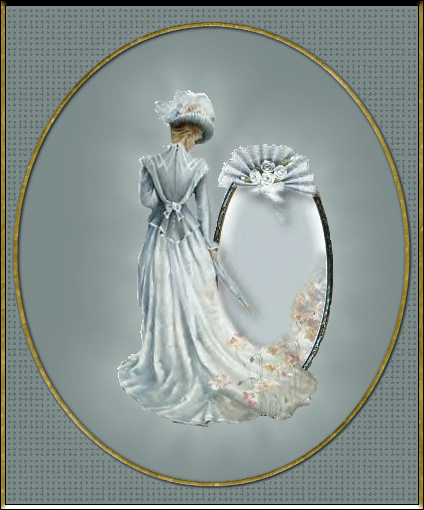
.
The graphics above were made by putting a Tube onto a teal background then "Cut" and "Copied" onto another background. The circles were made using the "Selection Tool". The gold was made by using the "Magic Wand" to Select and the "Tube Tool" was used to add a gold tube I made to the circles and letters..
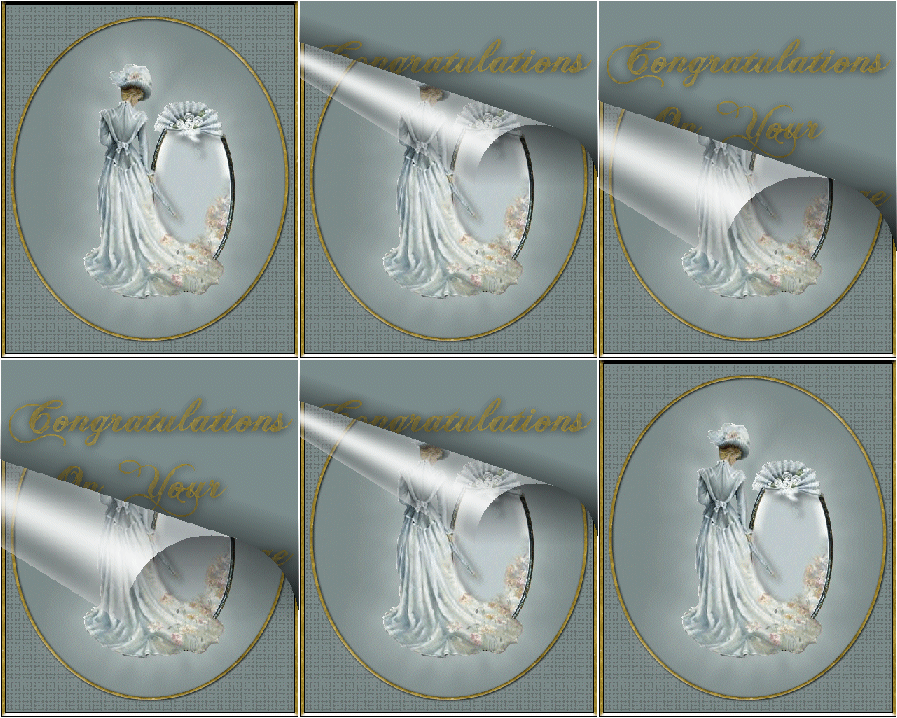
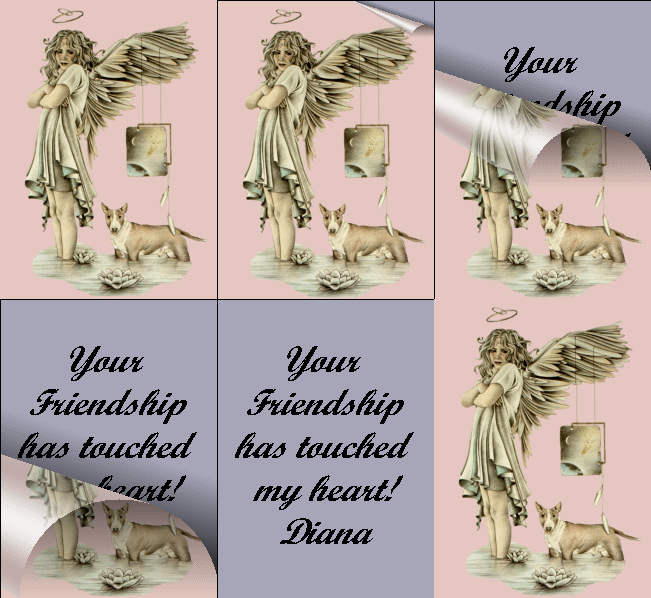
I took the top graphic and created a page curl effect just as we did in class.
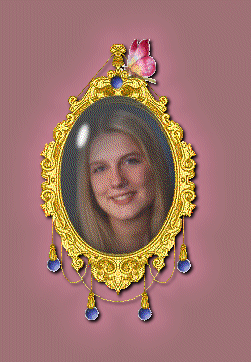
Above speckles were added to this tubed picture with the "Paint Brush Tool" and then animated. Below is the locket made from tubes...with a extra butterfly tube added for color.
Below is a page cure that does not come back up. You might want to create it this way if you are mailing outside of AOL where file size might be important.
All Tutorials and Graphics on this site ©byDiana/Laura 2000 do not use without permission.
|