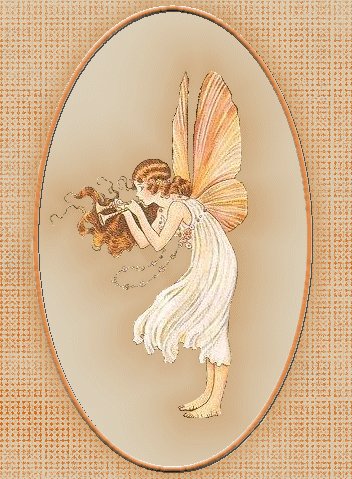
Each of
the Graphics on this page was made using a graphic I downloaded and a technique used in
class. To make the graphics match the background on the Webpage, I "Cut" and
"Pasted" the background to a new image and used it as the background also for my
new graphic.

  
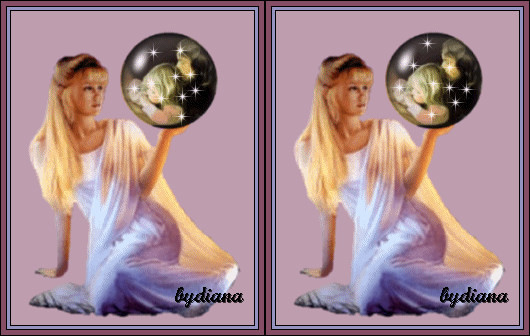
This Globe
was made completely by using Tubes or PSP images.
With this
Graphic I added the Circle Graphic Angel on top of a simple bar I made with the Pencil
Tool".
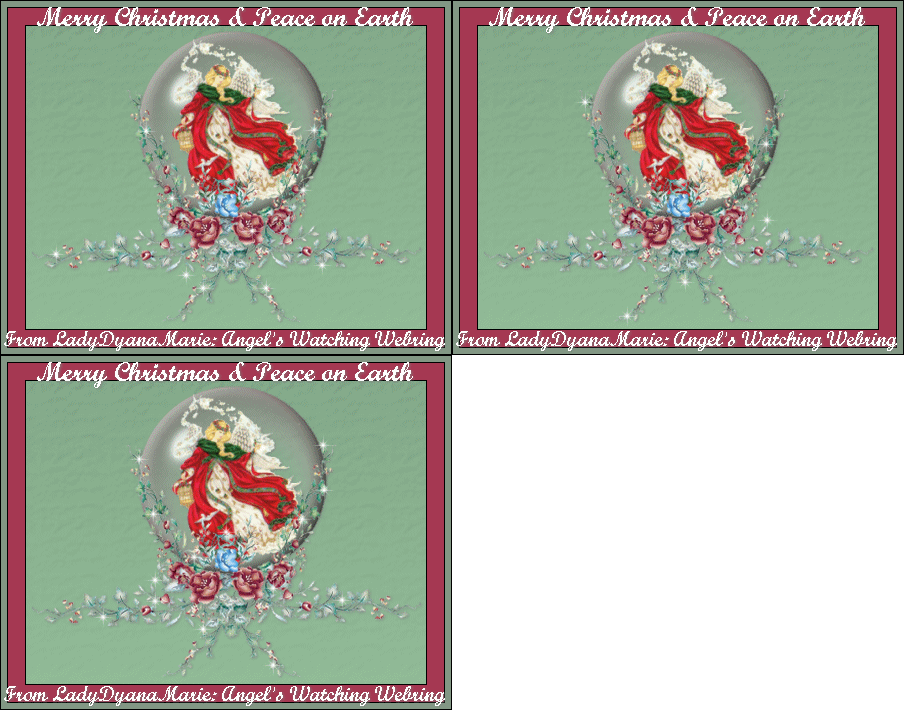
The top
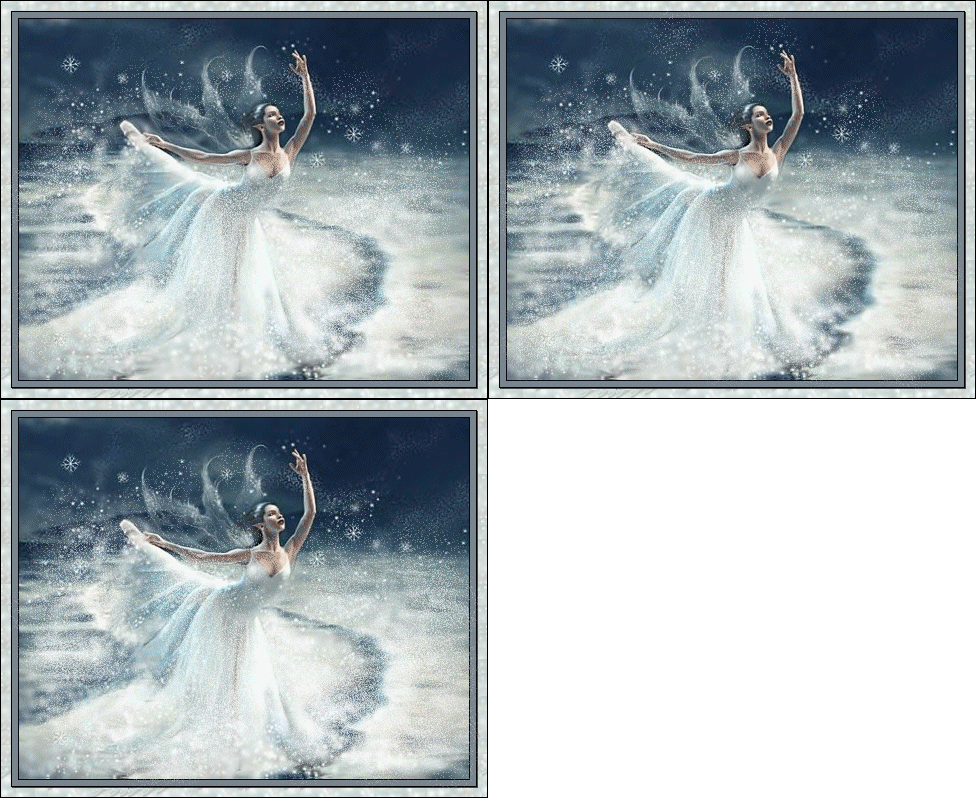
Graphic was made completely by using tubes I acquired from the Internet. Instead of
putting the sparkles on the inside of the globe I put them on the outside for a different
effect. The bottom graphic I added spots of paint using the "Paintbrush Tool",
and animated
HOME
All
Tutorials and Graphics on this site ©byDiana/Laura 2000 do not use without permission.
|

