
How to set a Desktop Animation
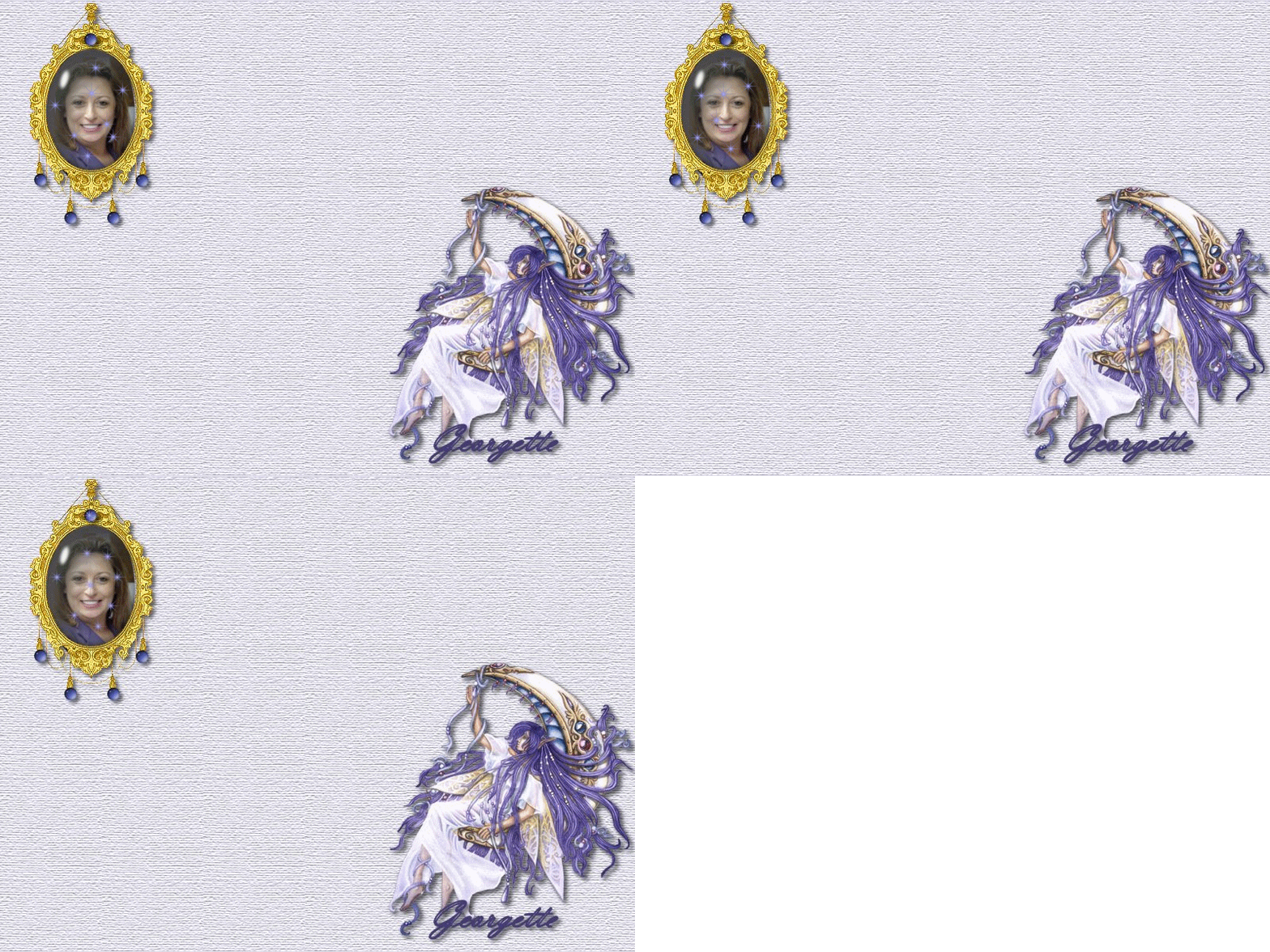
For years I have told people they could not run an animation Desktop. That was because I was setting my Desktops directly from the Internet or from Front Page. Your Desktop will animate if you apply it the correct way. Right Click on the Desktop below and choose "Save Picture As" it should always come up as a "gif" extension if it is an animation.
*hint: a word of warning. Animation Desktops us a lot of resources to run and you WILL notice a slower acting computer. If you take your computer in for maintenance I suggest changing the Desktop to an original Windows Theme.
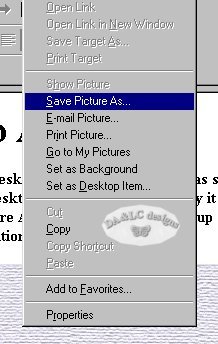
Download to any Folder on your Hard Drive.. I downloaded to my Desktop for this Tutorial.
Now Right click on your current Desktop...
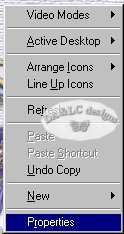
Left click on Properties and a new Pop up will come up.
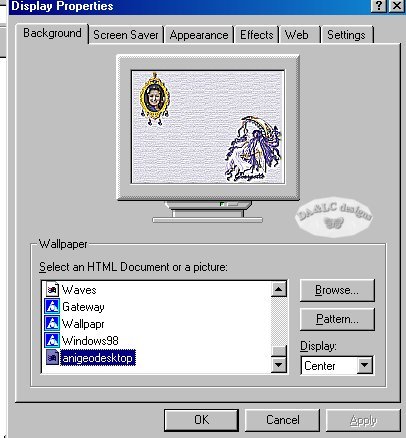
Browse to where your new Desktop is kept...Pick where your new graphic will set on your Desktop in Display.. I choose "center" and Left click on OK..and your done.
All Tutorials and Graphics on this site ©byDiana/Laura 2000 do not use without permission.
