
AOL Email
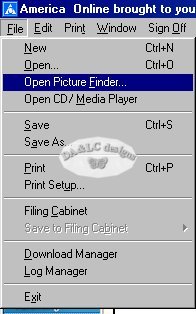
Open a new email. Go to File>Picture Finder and left click.
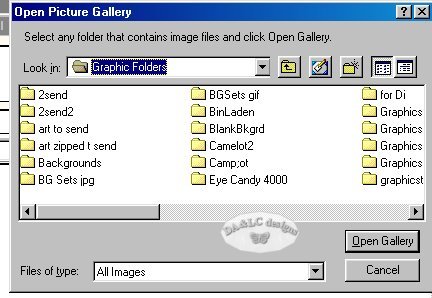
A new box will pop up. Browse to where your picture is kept and choose Open Gallery.
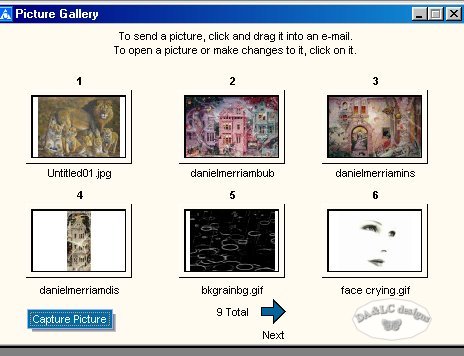
A new box will pop up. Using the arrow on the box find the picture you want and single left click on it.
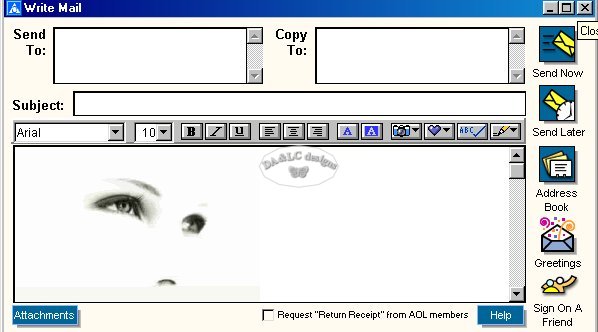
and a new box will pop up. Choose Insert in Email.

All Tutorials and Graphics on this site ©byDiana/Laura 2000 do not use without permission.
