Yes the hard part of the fakeshot is done... but remember what you have is
a bitmap of your fakeshot. Bitmaps while pretty are huge in size when
compared to other files such as .gifs and .jpegs. For a long time I
myself would just save bitmaps from from paint into .jpegs and deal with
the loss in color... but since the beginning of this year I discovered a
new way to save my work and make it look good. First I open Photoshop...
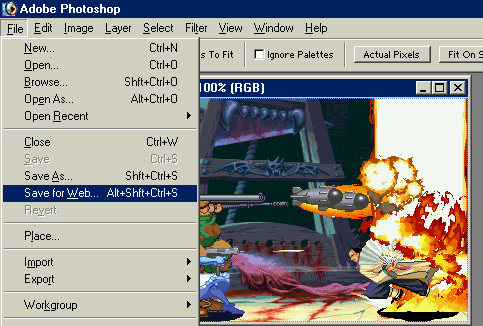
I then load my bitmap on their and go to "File" and the "Save For Web".
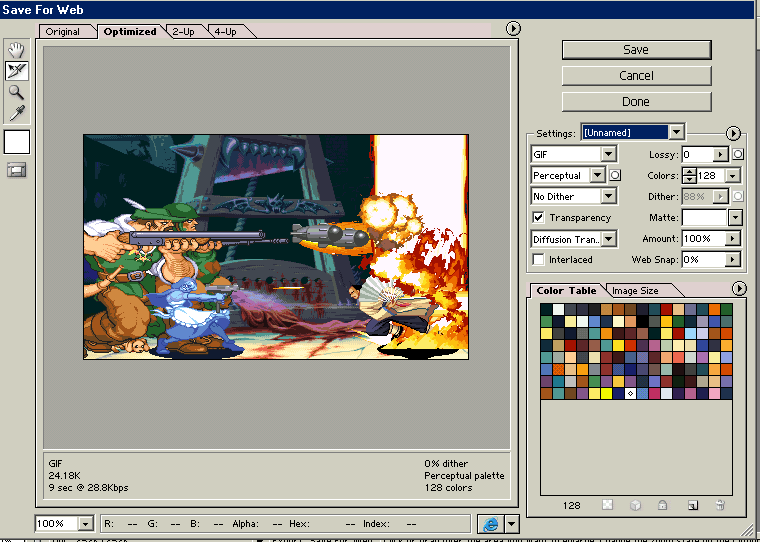
They should now take you to this screen. If you were working on just
a sprite you would take this momeent to change the background color in to
something transparent... but this is a fake shot and all colors are necessary,
so just click "Save".
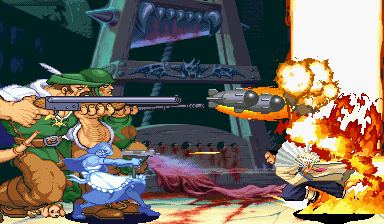
SUCCESS! Now I have a .gif version of my fakeshot that I can show anyone.
I then grab me a beer and call it a day, since I have practically wracked
my brain.

