
DISCLAIMER: I am not responsible for ANY changes this makes to how
your computer operates, tastes smells, feels, etc. Remember everything
you change on your computer is your
fault if it screws up.
NOTE: The ability to overclock your processor is highly dependent on
your cooling if you are using your stock heatsink I suggest you buy a
new one capable of cooling a faster processor.
The first thing your going to do is open your bios,
your bios screen should looks something like this 
now that your into your bios menu go to advanced or frequency/voltage
control, and go down to your
FSB which should look like this
note: that the fsb on this processor is at 100, which makes the
processors normal speed 1.67ghz. 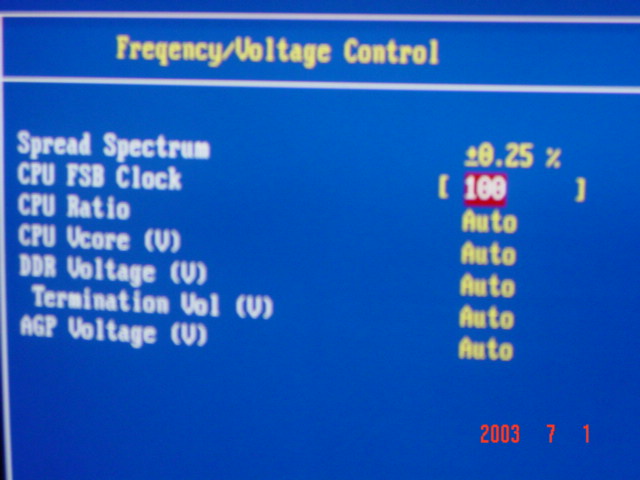
make sure to only change your processor speed overclock in increments
of 5 if this is your first time overclocking
note in this picture we went from 100 to 105 and this changed the
processor speed less than a mhz. 
In this picture you can see I have changed my fsb to 160 from 100
this made my processor speed go up by 200 mhz from 1.67 to 1.77 
