
Q: So how do I use this thing?
A: Its actually fairly easy. There are two ways of getting files, searching and browsing. Follow the directions below
Searching
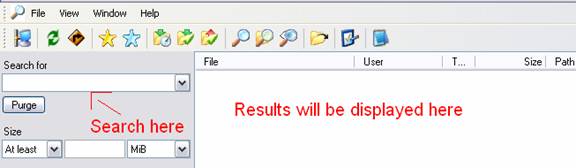
1) Once connected to the OSU hub, click on the magnifying glass

2) This will open the search window. To search for something, type in what you are looking for and click search. If anything is found results will be displayed and you will be able to double-click and download them. Note: If it finds a folder and you double click it, it will download the entire folder!
3) The other way to search will be to double click on a user. To do this close the search box and double click on a user that you choose. For this example we will browse Master_Pat’s files. Note: Only click on a user with files, otherwise you wont get any results!

4) Once you double click, it may go instantly or take a few seconds to load the user’s files. Not the actually files themselves, but a list of all of them.
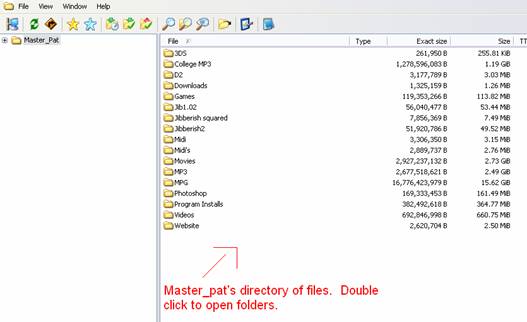
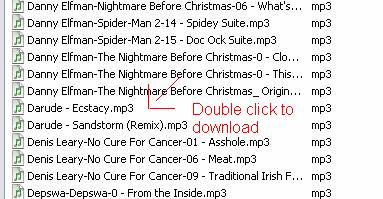
7) Double click to open folders, and then double click to download files
8) That’s it! Your all done. Any questions IM me on AIM @ OswegoDCPlusPlus
