
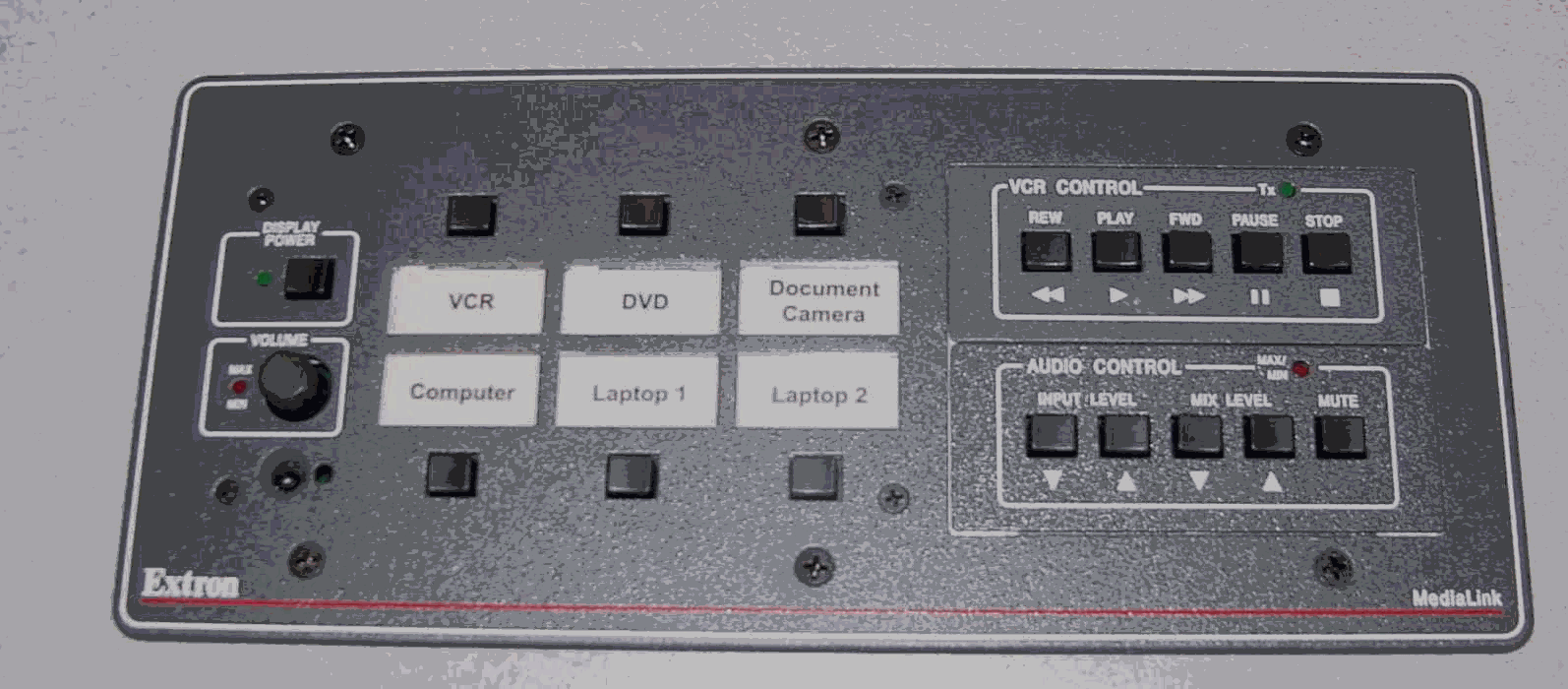
 Smart Panel

Computer Operations
Step 1: Lower Projection Screen
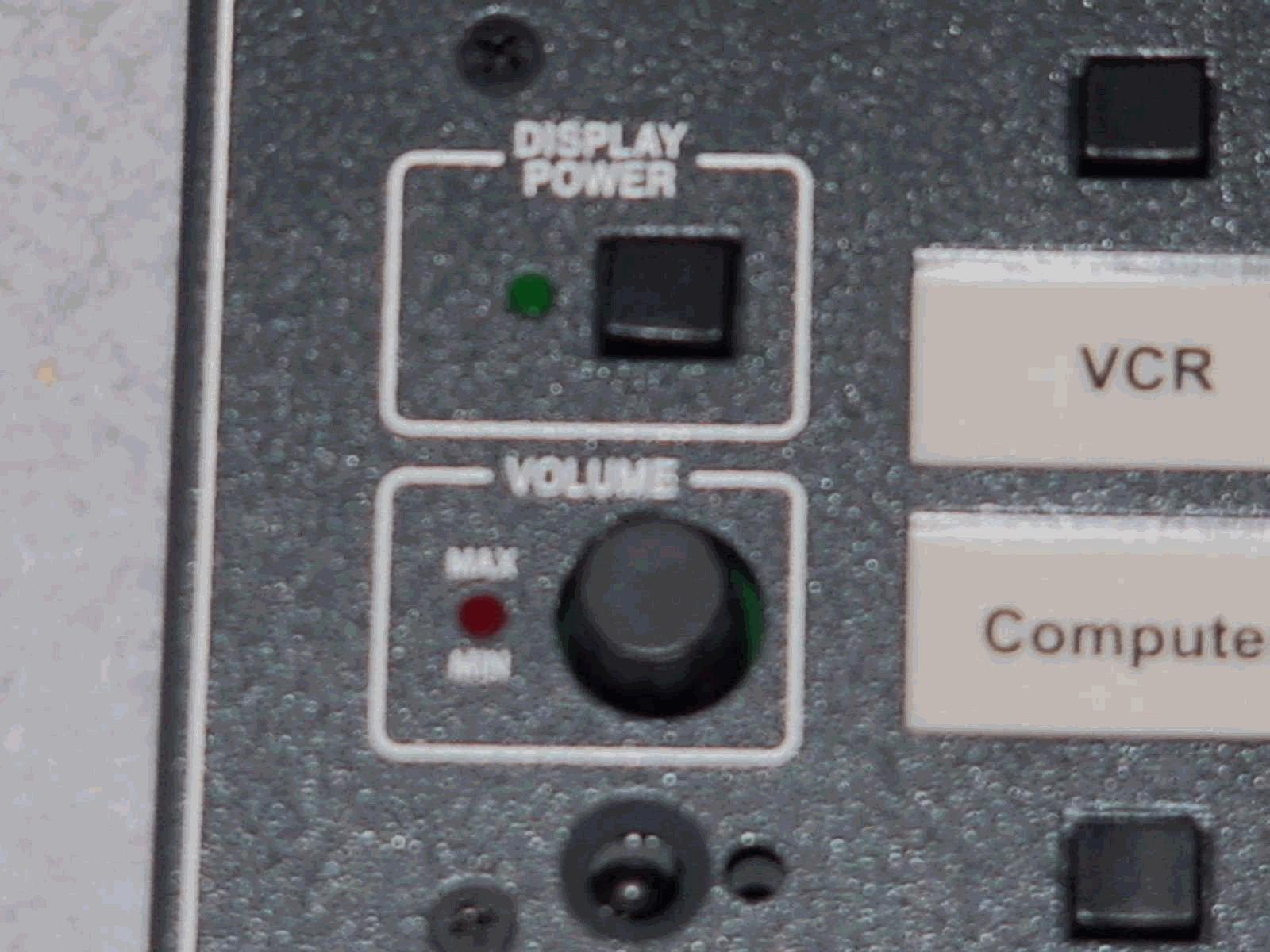 Step 2: On the smart panel push projector on. Red and Green lights will come on as it warms up (Figure about 30-40 sec.). The projector is ready when red light goes out green stays on and the projector logo is on the screen.
Step 3: When the projector is ready push the Computer button on the smart panel. The button will then light up.
Step 4: Press the power button located in the front of the computer tower..
Operate the computer as normal. Each computer has the University image installed. A password is not required to log on.
When finished with the computer, please log off the computer, push the projector off button, and raise the screen.
