
How do I look back on an old test that I have completed?
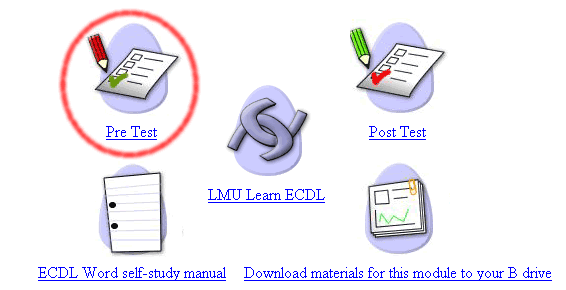
To review an old pre or post test simply click on the relevant link from within that particular module as if you were actually going to take the test, so for example if you wanted to review an old Word pre test then you would click the pre test option from the Word module as highlighted in red below.
Then on the next screen click on the link that demonstrates how many tests you have completed, as highlighted in red below.

This will give you a list of completed tests, simply click on the test that you wish to review, and you may go back through your answers.
This works in exactly the same way for reviewing post tests, except that you would click the post test link from the module page instead of the pre test link.
